

The desks are in rows, the name tags are still blank, and nobody knows where to put a finished sheet. A first day of school scavenger hunt gives them a reason to walk the room and talk to someone new. There is nothing to grade.
Why a back-to-school scavenger hunt
The first morning is loud and shy at the same time. A short hunt gets them into the room without a test. They learn where things are, and they learn a few names, before you start the real lesson. When they finish, they sit down. That is the whole point.
Plan it the afternoon before, not while they are hanging up coats. Ten stops, one QR, and a sentence of welcome text is the whole preparation. If a stop would only work for a student who already knows the building, cut it.
What to include in a first-day scavenger hunt
Keep it to places they will need this week. Ten stops is plenty for under an hour.
Classroom orientation
Send them to the pencil sharpener, the place they turn work in, the library corner, and the fire exit you already show them. Each stop asks for one fact they can see, such as the colour of the tray or the word on the sign. You are teaching the room, not hiding clues in the cupboard.
Get-to-know-you prompts
One stop can be "find someone who has a pet" or "find a book on the shelf you would actually open." They type a name or a title. Do not ask them to photograph a classmate's face.
School orientation
If you are allowed to leave the room, add the office, the gym, and the nurse as three stops with an adult in the corridor. If you are not, stay in the classroom. A map on the wall is a fine substitute: they point to the office on the map and type the name.
Step-by-step: run it in under an hour
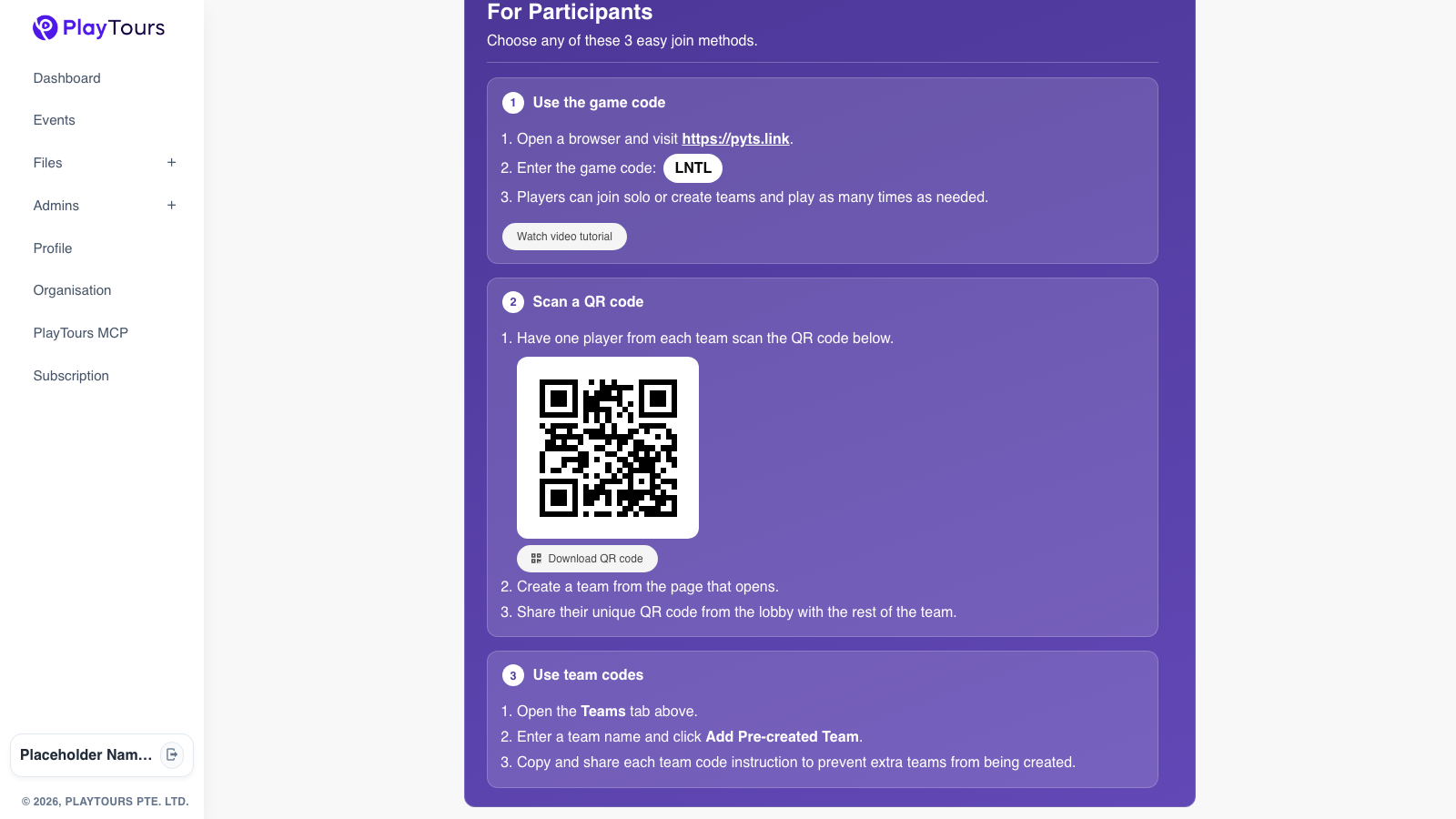
Print one QR and tape it on the board before they arrive. They scan it and the hunt opens in the browser, on a phone or a Chromebook. Nothing to install.
Add the teams first if you already know the groups, then put the game-code QR on the board. The welcome text shows when they use that code, before they pick a team. A separate team code skips that screen, so use the board QR when you want the instructions to appear.
Write the welcome text as three lines: stay in the room, work with your group, sit down when you finish. They read it, then they start.
Turn on completion certificates before the lesson. When a team finishes, the certificate opens on the phone they played on. It is a small end to the hunt, not a grade.
That is a free scavenger hunt app for teachers: one code, a welcome screen, and a certificate when they are done. On the free plan, 25 devices can be in at once. Pairs can share a phone.
10 back-to-school scavenger hunt ideas
1. Sharpener.. Find it and type the wall it is on. 2. Work tray.. Find where finished work goes and type the label on the tray. 3. Fire exit.. Stand where you can see the exit sign and type the word on it. Do not open the door. 4. Library corner.. Type the title of one book you can see. 5. Someone who.. Find a classmate who walked to school, or who has a sibling in the building. Type their first name only if they agree. 6. Your seat.. Find your name tag and type the table number or the row. 7. Supplies.. Count the spare pencils in the pot and type the number. 8. Class rule.. Read the rule poster and type the rule that is about listening, or whichever rule you choose. 9. Office on the map.. Point to the office on the wall map and type "office". 10. Sit-down spot.. The last stop tells them where to sit when they are finished. They type "done".
Making it easy the first day
You should not be building this from a blank page while the bell is about to go. In QuickBuild, describe a first-day classroom tour in a sentence and it drafts the stops. Change any stop that sends them out of the room, and read the welcome text before you print the QR.
Hang the code, tell them to share phones if they need to, and start. When you want the first-day hunt and the browser join together, use a free scavenger hunt app for teachers.