
A banner at the park entrance says "Download our event app." A dad with a paper plate in one hand and a toddler in the other looks at it, looks at his phone, and keeps walking. Half the guests are on a family plan that blocks new installs. The other half have no interest in a two-minute download twenty minutes before fireworks. The game is over before it starts, and nobody tells the organizer, because nobody joined.
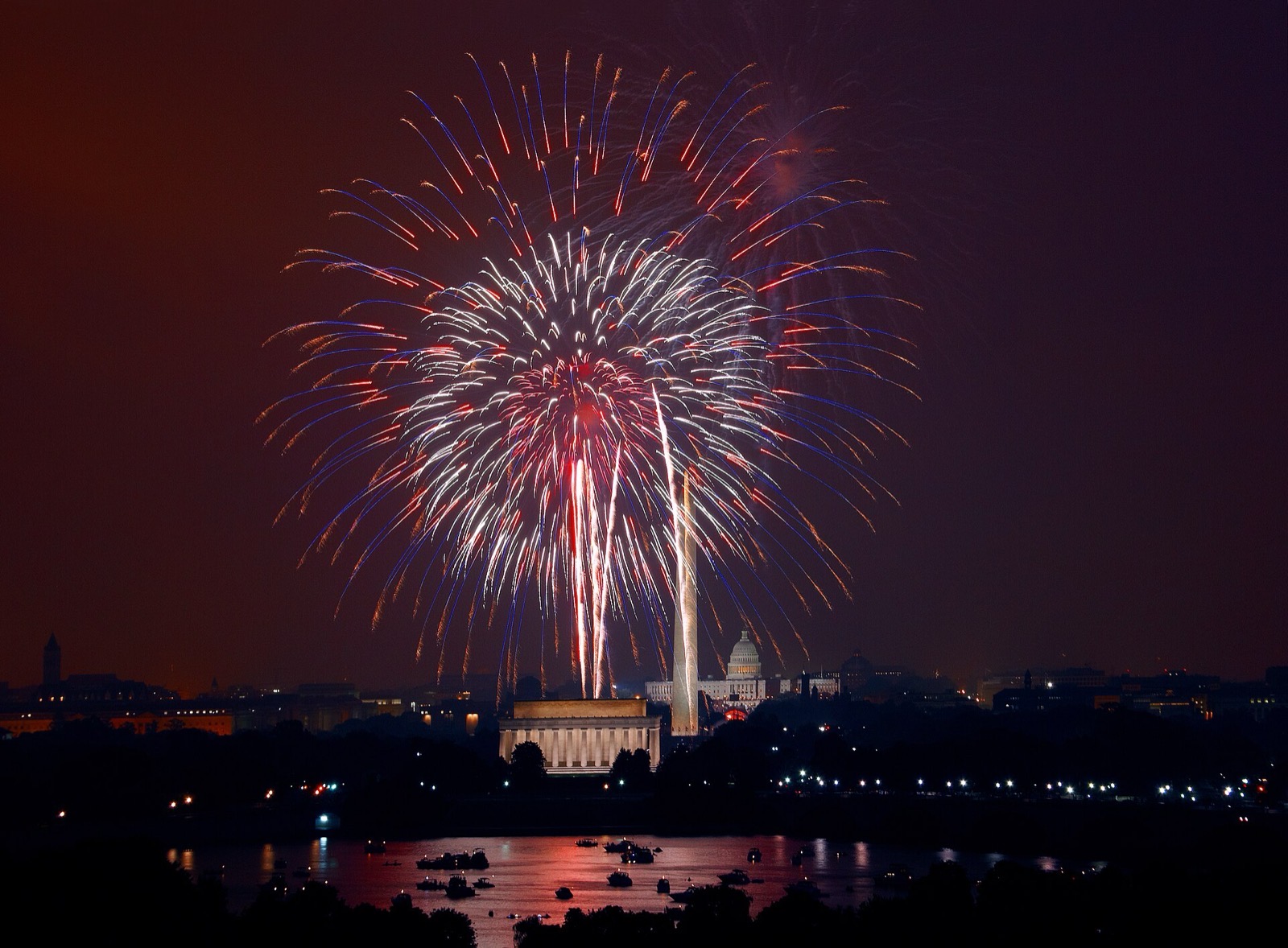
That's how most Fourth of July hunts die, and this year the Fourth falls on a Saturday, so the parks, riverwalks, and company picnics will all be trying to do it at the same time.
Here's the version that works. Someone on your team spends an evening in a web editor writing three or four chapters, each with a handful of tasks: a photo to take, a code to scan, a question to answer. On the day, people point their camera at a QR code, a web page opens, they type a team name, and they're playing. Nothing gets installed. You sit in the shade with a dashboard that shows where every team is and lets you message them or end the game. Up to 25 phones at once is free, with a small watermark in the corner; paid plans raise that number and change nothing else. That's PlayTours, and the pricing post has the numbers if you need them.
Joining takes ten seconds, if you put the code where people are
When you create the game, PlayTours gives you a QR code that opens the hunt directly. Print it big, at least 11 by 17 inches, and put one at every entrance. People arrive from more than one parking lot, and a single code at the registration tent becomes a line in the heat.
Grandparents manage this. Kids on a parent's phone manage this. If someone can open a web page, they can play.
Don't send every team to the same statue
Last year a city hunt sent every team to the same statue at 3 p.m., because it was task one for everyone. Six teams, one plaque, a lot of standing around.
Keep the first chapter fixed as a short briefing on the lawn and the last chapter fixed as "find a viewing spot and take a group photo." For the chapters in between, turn on shuffling so each team gets them in a different order, and turn on crowd prevention so that when a team finishes a chapter, PlayTours sends them to whichever chapter currently has the fewest people in it. Six teams, six corners of the park, nobody directing traffic.
If a sponsor paid for booth traffic, give their task an access code: a short code on a card at their table that players type in to unlock the task. The booth gets the visit and you don't need GPS to prove it.
Use photos, not GPS. Not on the Fourth.
A location task asks the phone where it is and only completes when the player is within a set distance of a pin. On an open field with good signal, fine. Under trees, next to water, or with thousands of people on one cell tower, players stand on the right plaque while the phone insists they're half a block away. I've watched a whole team argue with a phone about whether they were at a fountain they were touching.
Build the middle chapters on photo tasks instead. The team reads an instruction such as "a flag that's flying, not printed on a T-shirt," takes the picture, and PlayTours checks it and awards the points. You're not sitting in a folding chair approving hundreds of selfies during the flyover. Add a couple of check-off tasks, like "find a volunteer in a reflective vest and say hi," which the team marks complete themselves, and one QR code at each sponsor booth.
If a photo seems to hang, it's the connection, not the game. Walking toward the open lawn usually fixes it. More on that in what still works when the signal drops.
Get out of the way at dusk
The fireworks are the show. Every task can be given a clock time after which it disappears from players' screens, so set the middle chapters to vanish fifteen minutes before the display. Put the fireworks time in the chapter-one briefing too, because that text sits above the task list and it's what people actually read.
If a speech runs long and you need to end early, open the dashboard and stop the game. The countdown timer can't be paused, so stopping is the control to use. The same dashboard messages every team at once: "skip the river task, the path is closed," without a megaphone.
Keep tasks away from closed roads and firework stands, and don't ask for photos of the display itself. Once the show starts, people should be looking up. Permits and amplified-sound rules stay with you; if there's alcohol on site, keep scored tasks away from it.
The night before, walk the loop on cellular, not office wifi, and submit one photo task from the worst corner of the park. Scan every QR you printed; if one is behind reflective plastic, reprint it bigger and matte. Then open the dashboard on a charged laptop with a hotspot, because once the lawn fills up, that screen is your eyes.
If you want a second pair of eyes on the chapter order, email me the park map and the fireworks time at hello@playtours.app. I'll read it.
-Mo
If you're building this in PlayTours
The settings above, by their names in the editor: Instant Join for the QR code; Shuffle chapters with first and last kept fixed; Prevent bunching; access codes on individual tasks; AI-judged photo tasks; time-restricted tasks for the dusk cutoff; and the facilitator dashboard to message teams or stop the game. Work phones at a company picnic still have a browser; this note is for IT if they ask.