

The market for self-guided tour platforms has exploded, leaving tourism operators with a confusing array of options - from audio guide apps to GPS scavenger hunt tools. This guide is designed as a practical decision-making framework for tourism professionals, not a product recommendation, so you can evaluate platforms on the criteria that actually matter to your visitors and your bottom line.
This article is part of our interactive tour builder guide — a complete overview of GPS walking tour tools, how to choose one, and how to build your first tour.
Table of Contents
- Can visitors use it without downloading anything?
- Does it work offline or in areas with poor connectivity?
- Can you create multiple tours and manage them easily?
- Does it support GPS-based navigation and location triggers?
- Can visitors share their experience and leave feedback?
1. Can visitors use it without downloading anything?
Tourists are notoriously reluctant to install yet another app on their phones. Data roaming charges, limited storage, and the friction of navigating app stores all create drop-off before a visitor even starts your tour. For a tourism operator, every extra step between "interested" and "exploring" costs you engagement. International visitors in particular face the added barrier of creating accounts in a foreign language or dealing with region-locked app stores that may not offer the required app in their home country. A family of four arriving at your attraction would need to install the app on four separate devices, each requiring an app store login, a download, and potentially an account registration - that is 12 to 16 steps before anyone starts the tour.
Browser-based platforms solve this problem elegantly. Visitors scan a QR code at your ticket counter, brochure, or digital signage, and the tour opens instantly in their phone's browser. No download, no account creation, no storage consumed. The experience works identically on iOS and Android, which matters when your visitor demographic spans both ecosystems. For group tours, this also means every member of a family or travel party can join simultaneously without each person needing to install the app individually. Some browser-based platforms also support progressive web app (PWA) capabilities, letting visitors add the tour to their home screen for quick access on multi-day visits - without ever touching an app store.
What to look for: Browser-based platforms that work with a simple link or QR code. Visitors scan, tap, and start exploring - no app store visit required. The best platforms work identically on iOS and Android without the visitor needing to choose a version. Bonus if the platform supports PWA for returning visitors who want quick access on subsequent days.
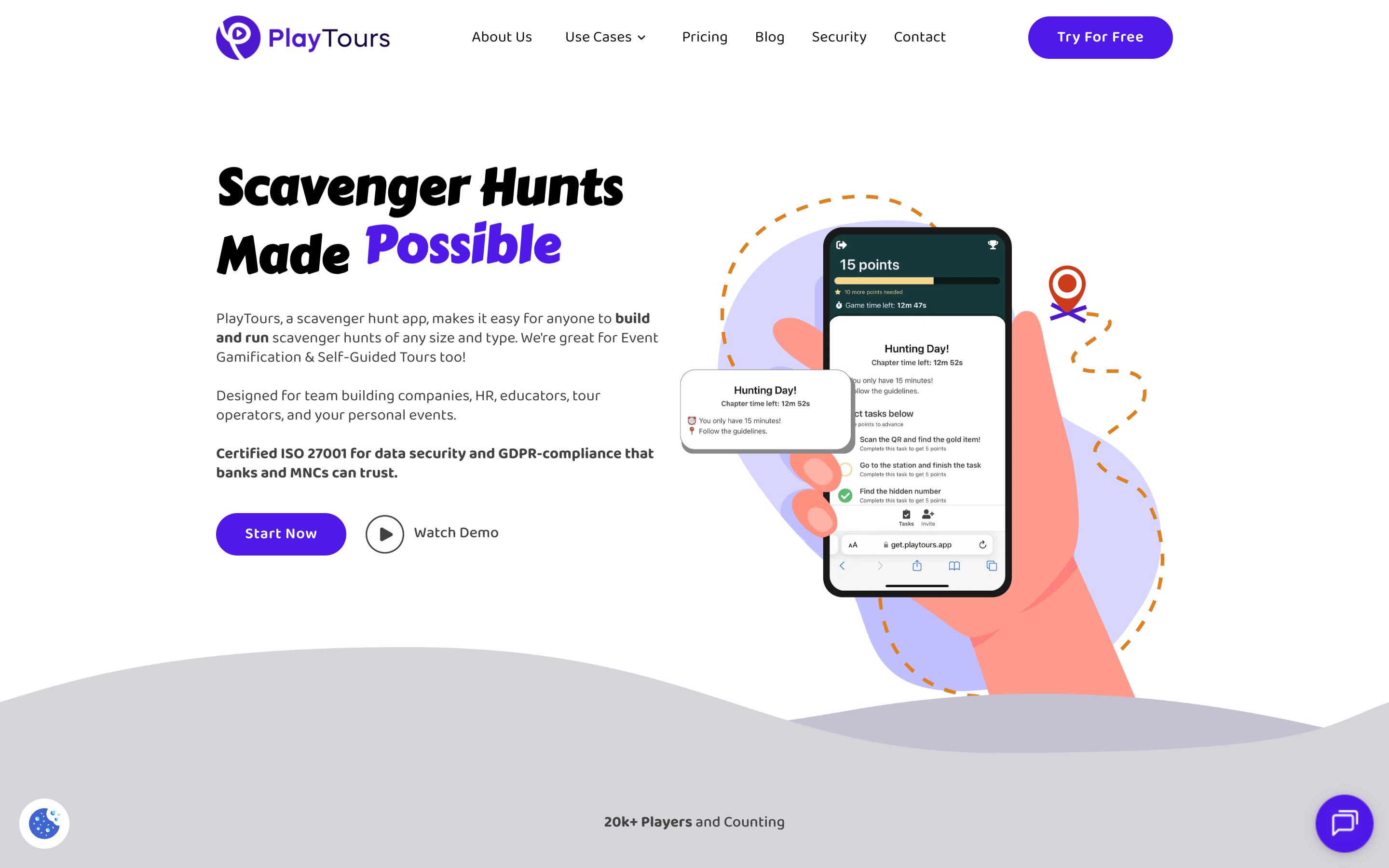
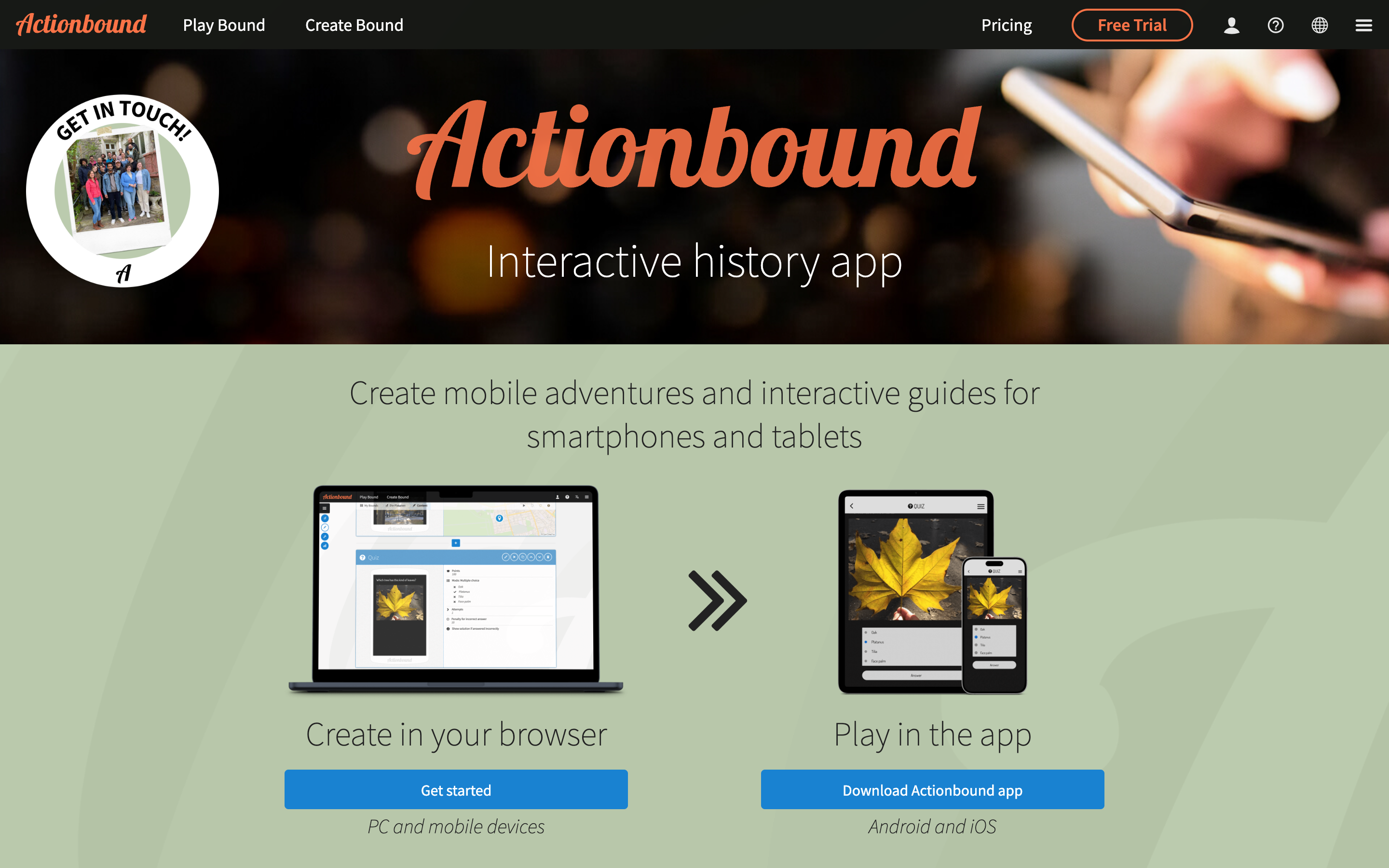
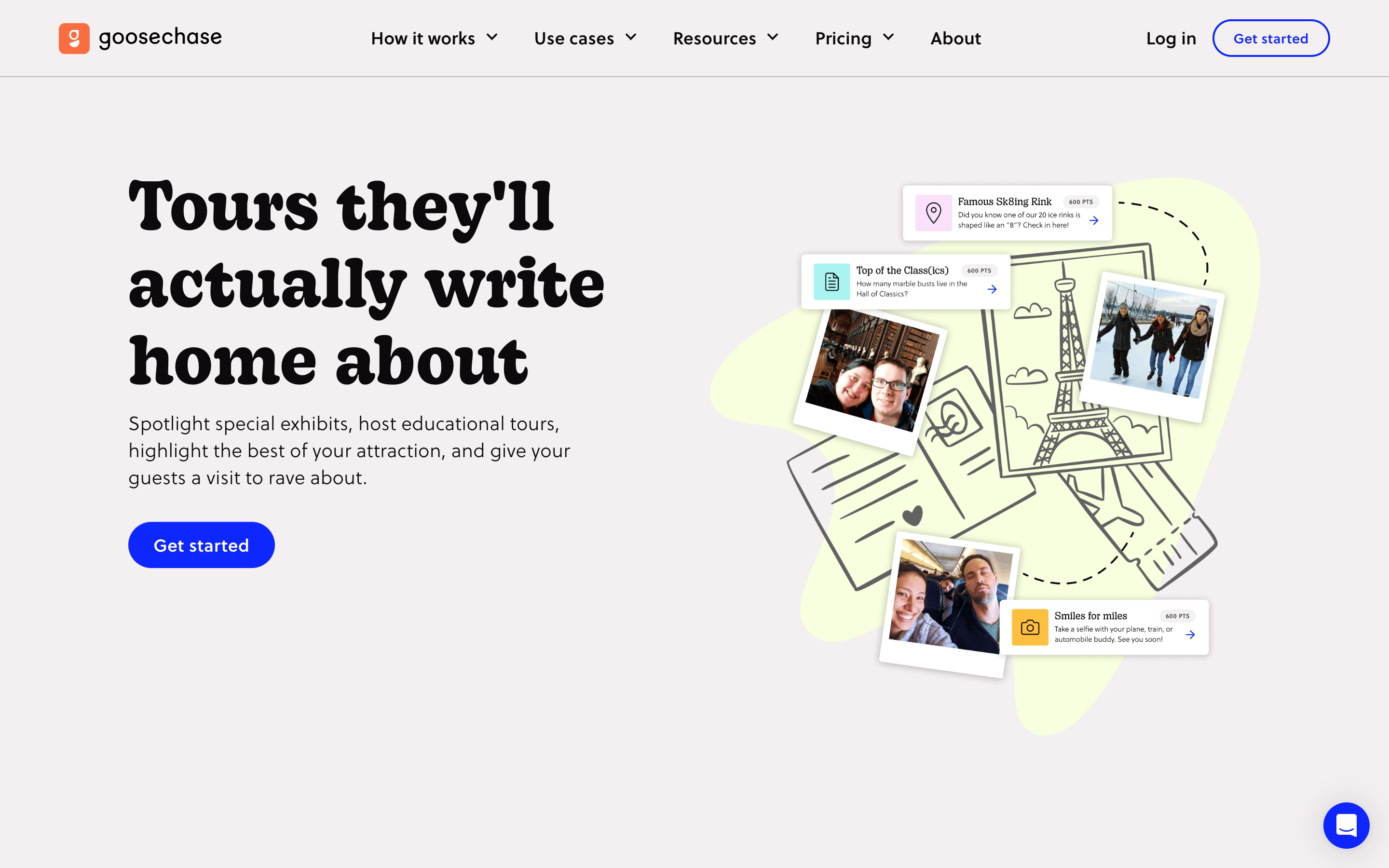
Red flag: Tools that require app store downloads before visitors can start. If a platform pushes visitors through the App Store or Google Play, expect significant drop-off at that step alone - industry studies regularly cite double-digit fall-off at app-install gates, particularly among international tourists with limited data plans and roaming concerns. Platforms like Actionbound and Goosechase require app downloads, which adds friction at the very moment you want visitors to begin exploring.
2. Does it work offline or in areas with poor connectivity?
Many of the world's most compelling tourism locations - national parks, historic ruins, rural heritage sites, coastal trails - have limited or unreliable mobile data. A self-guided tour app that requires constant internet connectivity will fail your visitors exactly when they need it most. Even urban attractions can suffer from network congestion during peak hours, when hundreds of visitors compete for bandwidth in a concentrated area. A tour that freezes mid-narration because the visitor walked behind a thick stone wall or into a basement exhibition hall creates a frustrating experience that reflects poorly on your attraction.
Offline capability is not just about caching a few text pages. A robust offline mode should cache audio narration, high-resolution images, map tiles, and task content so the entire tour experience is available without a data connection. GPS functionality should continue working offline because modern smartphones determine location via satellite signals, not cellular data. This means visitors can navigate between stops, trigger location-based content, and complete tasks even in airplane mode. The best platforms handle this by letting visitors download the entire tour over WiFi before they depart - at the hotel, visitor centre, or cafe - so the experience is seamless from the moment they step outside.
Some platforms use progressive loading that caches content as the visitor progresses through the tour, which works well for linear routes with predictable connectivity. Others require a one-time full download before the tour begins. The key question is whether the platform was designed with offline as a core feature or as an afterthought - check the documentation for specific offline storage requirements and test it yourself at your most remote location.
What to look for: Offline mode that caches tour content (audio, images, maps, task text) on the visitor's device before they arrive. GPS should continue functioning without internet, using cached location data to trigger content at the right moment. Look for platforms that let you preload tours over WiFi and that clearly document their offline storage requirements.
Red flag: Platforms that require constant internet connection for basic functionality. If the tour stops working when the visitor loses signal, the platform is not suitable for outdoor or rural tourism applications. izi.TRAVEL offers offline downloads, but many gamification-focused platforms like Scavify and Goosechase are designed primarily for connected environments and may not function reliably in areas with intermittent coverage.
3. Can you create multiple tours and manage them easily?
Tourism operators rarely run a single tour. You may have different routes for different seasons, language-specific versions, self-guided audio tours for individual attractions, and scavenger hunt experiences for families - all needing to coexist and be updated independently. A museum might need separate tours for adults, school groups, and corporate event attendees, each with different content depth and task difficulty. A city tour operator might run a dozen routes covering different neighbourhoods, each available in three languages, totalling 36 active tours at any given time.
The management dashboard is where you will spend most of your time as an operator. Look for platforms that let you clone an existing tour as a starting point for a new one - this alone can cut creation time by 70% when you are adapting a tour for a different language or season. Template saving lets you reuse common structures like welcome screens, feedback forms, and navigation instructions across all your tours. Bulk editing is essential when you need to update a piece of information (like opening hours or admission prices) across multiple tours at once, saving hours of manual work.
Scheduling is another often-overlooked feature. The ability to set a tour to go live on a specific date and expire automatically means you can prepare your summer tours in spring and have them activate without manual intervention. Some platforms also offer analytics per tour, letting you see which routes are most popular, where visitors tend to drop off, and which tasks have the highest completion rates - data that directly informs your content strategy for the next season.
What to look for: Tour cloning (duplicate an existing tour as a starting point), template saving (reuse common structures), bulk editing (update content across multiple tours at once), and scheduling (set tours to go live or expire on specific dates). A dashboard that shows all tours with their status at a glance. Per-tour analytics to track engagement and completion rates.
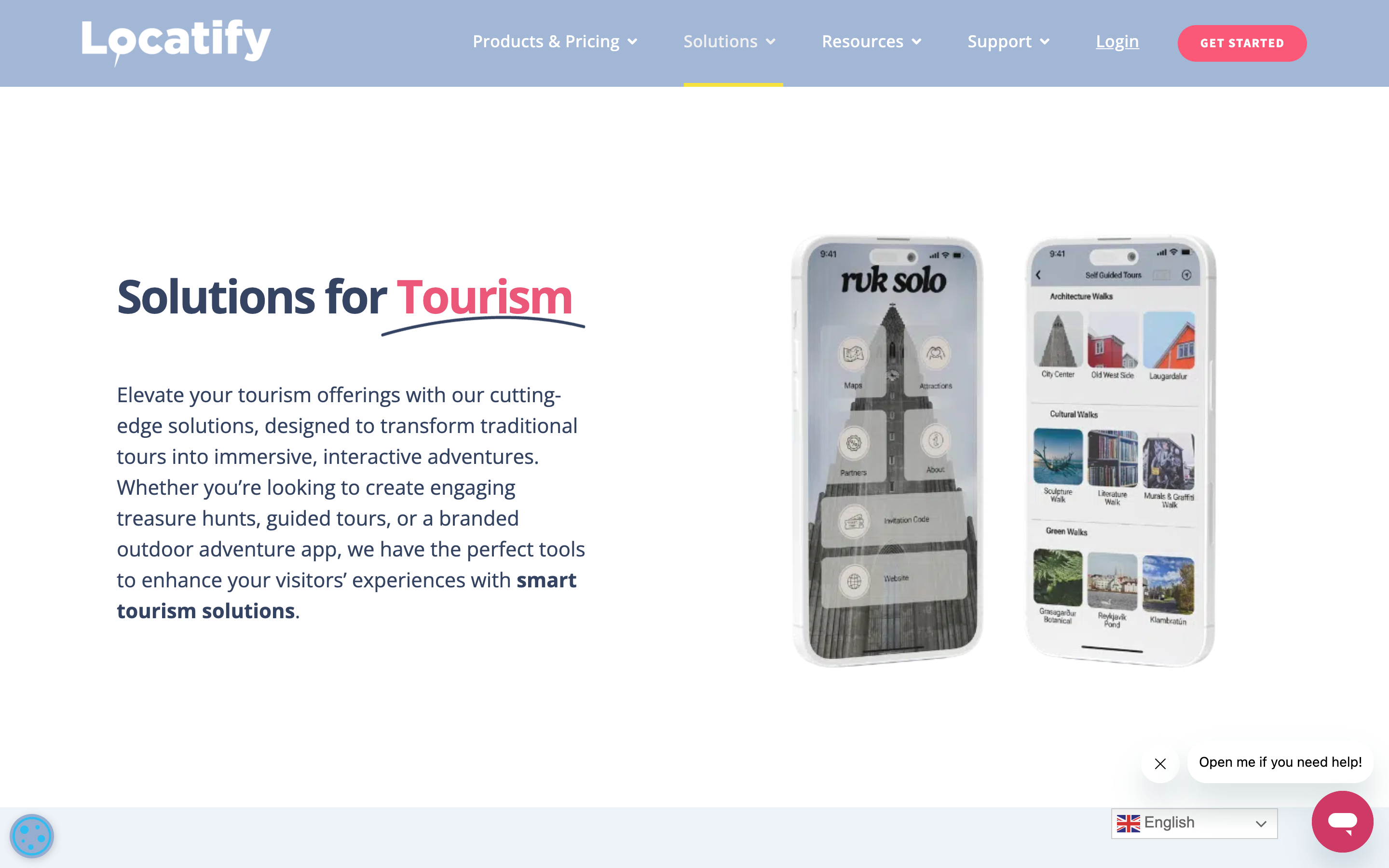
Red flag: Tools that limit the number of tours you can create or charge per tour. Per-tour pricing models penalise operators who need many tours and discourage experimentation with new formats. Locatify's branded app pricing starts at 350 euros per month, which can become expensive if you need separate apps for different attractions or seasonal routes.
4. Does it support GPS-based navigation and location triggers?
The defining feature of a self-guided tour is that visitors navigate independently. GPS-based content delivery - where audio, text, or tasks automatically trigger when a visitor reaches a specific location - is what transforms a static map into an interactive experience. Without GPS, you are essentially handing visitors a digital brochure rather than a guided adventure. The magic of a self-guided tour is that visitors can explore at their own pace while still receiving curated content at exactly the right moment and place.
Different tourism scenarios require different GPS approaches. For a walking tour of a historic district, you want geofencing that auto-plays audio narration when the visitor approaches each landmark, creating a seamless narrative flow. For a scavenger hunt at a nature reserve, you want hidden GPS checkpoints that visitors must discover using clues rather than a map, adding an element of exploration and discovery. For a museum or indoor attraction, you may need Bluetooth beacon integration alongside GPS for precise indoor positioning where satellite signals are weak. The best platforms support multiple location-trigger methods so you can mix and match within a single tour.
The configurable radius is important too. A 20-metre radius works well for a specific exhibit in a museum, while a 200-metre radius is more appropriate for a landmark in a large park. Some platforms let you set different radii per checkpoint, giving you fine-grained control over when content triggers. The ability to show locations on a map (direction mode) or hide them (location mode) lets you design both guided and exploratory experiences within the same platform, adapting the same tour content for different visitor segments.
What to look for: GPS checkpoints with configurable radius (typically 20-200 metres depending on the location), geofencing that triggers content automatically, and the ability to show or hide locations on a map. Some platforms also support "direction" mode (showing the target on a map) and "location" mode (hiding it for a treasure-hunt feel). Bluetooth beacon support for indoor positioning is a bonus for museums and indoor attractions.
Red flag: Platforms that only support QR codes without GPS capabilities. QR codes are useful for indoor exhibits but impractical for outdoor tours spanning kilometres - visitors should not have to find and scan a physical code at every stop. Actionbound and Goosechase both support GPS, but some audio-guide-focused platforms like izi.TRAVEL rely heavily on manual location selection rather than automatic GPS triggering, which creates a less fluid visitor experience.
5. Can visitors share their experience and leave feedback?
User-generated content - photos taken during the tour, social media shares, ratings, and reviews - is one of the most powerful marketing tools a tourism operator has. Every visitor who shares their experience becomes a brand ambassador for your attraction. A single striking photo shared on Instagram can generate more awareness than a paid advertisement, and positive reviews on platforms like Google and TripAdvisor directly influence booking decisions. In an era where travellers trust peer content over branded marketing, enabling sharing is not a nice-to-have - it is a core feature that drives organic growth.
The best self-guided tour platforms bake sharing into the experience itself. Photo and video capture tasks let visitors document their journey as they go, creating a personal souvenir that they are naturally motivated to share. Some platforms offer "share" task types that broadcast a visitor's answer to all participants in real time, creating a collaborative gallery that builds excitement during group tours. Post-tour feedback forms and rating prompts capture valuable data about which parts of the experience resonated most, giving you actionable insights for improving your tours.
For tourism operators, this data is gold. You can see which stops generated the most photo submissions, which tasks had the highest completion rates, and where visitors spent the most time. This feedback loop lets you continuously improve your tours based on real visitor behaviour rather than guesswork. Some platforms also integrate with Google Reviews or TripAdvisor, prompting satisfied visitors to leave a public review that directly boosts your online reputation.
What to look for: Photo and video capture tasks that visitors can complete during the tour, social media sharing integrations, feedback forms or rating prompts at the end of the tour, and a gallery view where visitors can see submissions from other groups. Some platforms also offer "share" task types that broadcast a visitor's answer to all participants in real time. Analytics that show submission rates and engagement metrics per stop. Bonus if the platform integrates with review platforms like Google Reviews or TripAdvisor.
Red flag: Tools that offer no way for visitors to share or review their experience. If the tour ends with a blank screen and no call to action, you are leaving organic marketing opportunities on the table. Pure audio guide platforms like izi.TRAVEL focus on one-way content delivery and offer limited opportunities for visitor-generated content or feedback collection, missing the viral potential that photo-sharing and social features provide.
Making your decision: 3 questions to answer before committing
Before you sign up for any self-guided tour platform, ask yourself these three questions:
- What is your visitors' technical comfort level? If your audience skews older or includes international tourists, a no-download browser-based experience will outperform any app-store model. Test the sign-up flow yourself with a phone that has never used the platform before.
- Where will your tours operate? If any of your locations have poor connectivity, offline capability is non-negotiable - test it before you commit. Visit your most remote location with the platform loaded and verify that every feature works without a signal.
- How many tours do you need, and how often will they change? If you run seasonal tours or multiple language versions, look for platforms with cloning, templates, and bulk editing rather than per-tour pricing. Calculate your total annual cost including all tours, not just the first one.
Once you have narrowed down your options, a head-to-head comparison can help you make the final call. Read our detailed breakdown: PlayTours vs Actionbound: Which is Better for Tourism Scavenger Hunts? - this comparison covers feature differences, pricing models, and real-world use cases for tourism operators.
Related reading: 5 criteria for choosing a self-guided tour app · when a scavenger hunt app is better than a standard tour app