

How to Organize a Cinco de Mayo Community Scavenger Hunt for Your Downtown or Shopping District
If you manage a downtown business district, shopping center, or cultural corridor, you already know that May 5 brings a surge of foot traffic and community energy. A Cinco de Mayo scavenger hunt turns that energy into a structured, measurable activation that drives visitors into every corner of your district, not just the restaurants and bars. This guide walks you through every step, from recruiting businesses to running the event and measuring its impact, so you can deliver a memorable community experience without losing your mind.
Table of Contents
- Recruit Participating Businesses 3-4 Weeks Before May 5
- Design Your Game Structure with Three Chapters
- Promote Through Local Media, Social Channels, and Business Partners
- Run the Event with Real-Time Monitoring
- Measure Success and Gather Feedback
- A Note on Cultural Sensitivity
- Adaptations for Small, Medium, and Large Districts
Recruit Participating Businesses 3-4 Weeks Before May 5
The success of a district-wide scavenger hunt depends entirely on how many businesses participate and how engaged they are. Start recruiting at least three to four weeks before Cinco de Mayo to give yourself time to onboard venues, collect their challenge details, and test the game flow. The earlier you start, the more time businesses have to plan their window displays, staff schedules, and any special offers they want to run alongside the hunt.
Why this matters: A scavenger hunt with only five checkpoints feels sparse. With 20 or more participating businesses, the district feels alive, and participants have a reason to explore every block. The density of checkpoints directly correlates with how long people stay and how much they spend.
Common mistake to avoid: Do not assume businesses will say yes just because the event is free for them. Send a one-page information sheet that explains exactly what is required at each participation level, how much foot traffic they can expect, and what promotional support you will provide. Make it easy for a busy shop owner to say yes in under two minutes.
Three Participation Levels
Offer a tiered model so every business can participate at a level that suits their capacity:
Level 1: Checkpoint Host (Free). The business simply displays a QR code in their window or at their counter. Players scan the code to check in. No staff interaction required. This is the easiest entry point and works well for businesses that are short-staffed or hesitant about committing time. Most of your participants will be at this level.
Level 2: Challenge Host (Low Cost). The business creates a simple task for players to complete inside or near their store. Examples include a photo challenge ("Take a selfie with our sombrero display"), a trivia question about the business's history, or an object-recognition task ("Find the hidden piñata in our window"). Challenge hosts typically see higher engagement and more dwell time from participants.
Level 3: Sponsor (Paid). The business pays a sponsorship fee (suggested range: $200-$500 depending on district size) in exchange for prominent placement in all promotional materials, a named chapter in the game, and the ability to include a special offer or coupon code that players unlock upon completing their challenge. Sponsors get the most visibility and should be limited to 3-5 per district to maintain exclusivity.
Design Your Game Structure with Three Chapters
A well-structured scavenger hunt keeps participants engaged from start to finish without overwhelming them. The three-chapter format works especially well for district-wide events because it creates a natural progression: arrival, exploration, and celebration.
Why this matters: Without a clear structure, participants wander aimlessly, get bored, or leave early. Chapters give the game a narrative arc and help you control the flow of people through the district. Each chapter has a specific purpose and time allocation.
Common mistake to avoid: Do not make every task a GPS check-in. Mix task types to keep the experience varied. Players get fatigued if every stop is the same interaction. Use photo challenges, trivia, object recognition, and text tasks to create variety.
Chapter 1: Welcome (5 minutes)
This chapter orients participants and gets them into the game quickly. It should contain 2-3 simple tasks that can be completed at or near the starting point. A good setup is a "no-answer" task at the central info booth where players scan a QR code to mark their arrival, followed by a simple multiple-choice question about Cinco de Mayo history (which ties into the cultural sensitivity section below).
Set the chapter's minPoints low enough that everyone advances quickly. In PlayTours, you can configure this in the chapter settings so teams move to Chapter 2 after completing just the welcome tasks, even if they skip the trivia.
Chapter 2: Explore (3 hours)
This is the main event. Chapter 2 contains all the checkpoint and challenge tasks spread across the district. Design it with shuffle tasks enabled so different teams start at different locations, preventing bottlenecks at popular businesses. Set minPoints to 60 out of 100 total available points so teams can skip some tasks and still advance. This flexibility is important for families with young children, older participants, or anyone who needs to take a break.
Sample task types you can use across your checkpoints:
- GPS check-in (direction type): Players navigate to a specific business location. The map shows them exactly where to go. Use this for your Checkpoint Hosts.
- Photo challenge (image type): "Take a photo of your team in front of the mural on 5th Street." All photos are automatically accepted and stored in the facilitator dashboard for later social media sharing.
- Trivia (multiple-choice type): "What year did the Battle of Puebla take place?" with options including 1862 (correct), 1810, 1910, and 1848. This reinforces the cultural education aspect of your event.
- Object recognition (object-recognition type): "Find and photograph a cactus decoration in any participating store window." The AI validates that the photo contains the specified object.
- Text task (text type): "What is the name of the owner of La Tienda Gifts? (Hint: ask inside)" This drives actual foot traffic into the store and encourages human interaction.
- Audio task (audio type): "Record your team saying 'Viva la independencia!' and submit it." A fun, low-stakes task that adds energy to the event.
In PlayTours, each task type is configured individually in the game builder. The direction type shows the location on a map, the image type lets players snap and submit photos, and the object-recognition type uses AI to verify that the photo contains the requested object. For Challenge Hosts, you can set up judged-image tasks if you want a staff member to manually approve creative submissions.
Chapter 3: Celebration (10 minutes)
This chapter brings everyone back to a central location for the finale. It should contain 1-2 simple tasks that can be completed at the celebration area. A "no-answer" task to mark their return, plus a free-text task asking "What was your favorite moment today?" to collect testimonials and social proof for next year's event.
The debrief screen in PlayTours can display a thank-you message, sponsor acknowledgments, and a link to a photo gallery or feedback survey. You can also configure a redirect URL that sends participants to a post-event page with special offers from participating businesses.
Promote Through Local Media, Social Channels, and Business Partners
Promotion is where most district events fall short. A great game design means nothing if only 30 people show up. Start promoting two weeks before the event and increase frequency in the final week.
Why this matters: Your participating businesses are investing their time and staff resources. They need to see a return in the form of foot traffic and sales. A well-promoted event delivers that. A poorly promoted one erodes trust for future activations.
Common mistake to avoid: Do not rely solely on social media. Many downtown shoppers are older adults who do not follow local business Instagram accounts. Use a multi-channel approach.
Promotion channels to activate:
- Local media: Send a press release to your local newspaper, community radio station, and neighborhood blogs. Pitch the angle as "a family-friendly way to celebrate Cinco de Mayo that supports local businesses." Media coverage gives you credibility and reaches audiences that social media cannot.
- Social media: Create a Facebook event page and an Instagram story highlight. Post a teaser video showing the route map. Encourage participating businesses to share the event with their own followers. Use the hashtag #[DistrictName]CincoHunt.
- Business partners: Give each participating business a stack of flyers and a window sign. Train their staff to mention the hunt to every customer who walks in during the week before May 5. Word-of-mouth from trusted local businesses is your most effective channel.
- Email newsletters: If your district association has an email list, send a dedicated announcement. Include a brief explanation of how the game works, what participants will experience, and a direct link to join the game.
- Cross-promotion with sponsors: Your sponsors should include the event in their own marketing. Provide them with a ready-to-use email template and social media graphics so they can promote with zero effort.
Run the Event with Real-Time Monitoring
On the day of the event, your role shifts from planner to operator. A smooth execution requires preparation, communication, and the ability to adapt in real time.
Why this matters: Even a well-designed game can feel chaotic if participants cannot find the starting point, if a business forgot to put out their QR code, or if a task is confusing. Your on-the-ground presence turns potential frustration into a seamless experience.
Common mistake to avoid: Do not assume everything will work perfectly without testing. Walk the entire route yourself 24 hours before the event. Verify that every QR code is visible, every GPS coordinate is accurate, and every task description is clear.
On-the-day checklist:
- Central info booth: Set up a clearly marked table at the starting location. Staff it with at least two volunteers who can help people join the game, answer questions, and hand out any physical materials (maps, stickers, etc.).
- Business briefings: Send a one-page reminder to all participating businesses 48 hours before the event. Include the event schedule, what to expect, and a phone number to call if they have issues. Visit each business 30 minutes before the start to confirm their QR code is displayed and their staff knows what to do.
- Real-time monitoring: Use the PlayTours facilitator dashboard to monitor team progress in real time. You can see which tasks are being completed, which locations are busiest, and whether any teams are stuck. If a task is causing confusion, you can broadcast a message to all players or adjust the task on the fly.
- Live updates: Post to social media during the event. Share photos of teams completing challenges, announce milestone achievements ("First 50 teams have checked in!"), and remind latecomers that they can still join. This creates FOMO and drives last-minute participation.
- Celebration area: Set up the finale location with music, seating, and perhaps a small prize table. Have a volunteer ready to hand out completion certificates or small tokens (stickers, discount cards) to every team that finishes.
Measure Success and Gather Feedback
After the event, you need data to prove the ROI to your stakeholders, justify the budget for next year, and identify what to improve. Do not skip this step.
Why this matters: District associations and shopping center managers operate on measurable outcomes. If you cannot show that the scavenger hunt increased foot traffic, drove sales, or generated social media reach, you will struggle to get approval for the next activation.
Common mistake to avoid: Do not rely only on anecdotal feedback. "It felt busy" is not a metric. Collect hard numbers from multiple sources.
Metrics to track:
- Total participants: How many individuals or teams joined the game. PlayTours records this automatically in the facilitator dashboard.
- Checkpoint visits: How many times each business was visited. This tells you which locations were most popular and which need better placement next year.
- Completion rate: What percentage of teams finished all three chapters. A low completion rate may indicate the game was too long, too hard, or poorly signposted.
- Social media reach: Track event hashtag usage, post impressions, and any media coverage. Use free tools like the platform's native analytics or a simple spreadsheet.
- Business feedback: Send a short survey to every participating business within 48 hours. Ask three questions: Did you see an increase in foot traffic? Did participants engage with your staff? Would you participate again next year?
- Participant feedback: Include a feedback link in the game's debrief screen or send a follow-up email. Ask what they enjoyed, what could be improved, and whether they discovered a new business they had not visited before.
Compile these metrics into a one-page report and share it with your participating businesses, sponsors, and district board within one week. This builds goodwill and makes next year's recruitment significantly easier.
A Note on Cultural Sensitivity
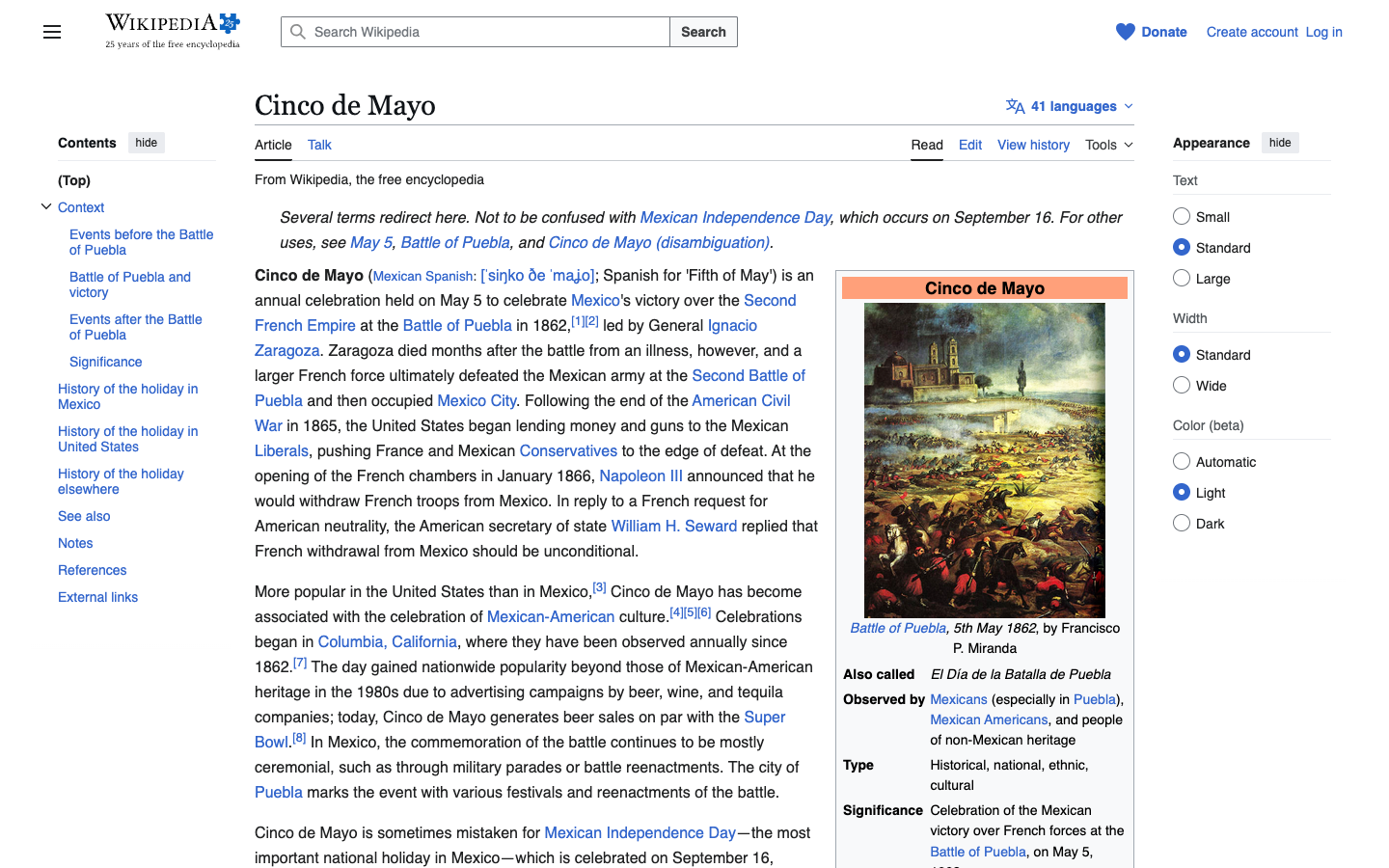
Cinco de Mayo commemorates the Mexican army's victory over France at the Battle of Puebla on May 5, 1862. It is not Mexican Independence Day (which is September 16). For many Mexican-Americans, the holiday is a source of cultural pride, but it is also frequently misunderstood and commercialized in the United States.
When organizing a community scavenger hunt around Cinco de Mayo, be intentional about how you frame the event. Include educational elements that teach participants about the actual history. Avoid stereotypes in your promotional materials and task designs. Partner with local Mexican-American cultural organizations if possible, and consider donating a portion of sponsorship proceeds to a community group that serves the local Latino population.
This cultural sensitivity is not just about avoiding offense. It adds depth and authenticity to your event, making it more meaningful for participants and more respected by the community. A scavenger hunt that teaches something real about Mexican history while driving foot traffic to local businesses is a win for everyone.
Adaptations for Small, Medium, and Large Districts
Not every district has the same footprint or business density. Here is how to scale the model:
Small district (10-20 businesses): Make every business a Challenge Host. With fewer participants, you need higher engagement per stop. Design 2-3 tasks per business so players spend more time at each location. Set the Explore chapter to 2 hours instead of 3. Consider a single sponsor to keep things simple.
Medium district (20-50 businesses): Use the three-tier model as described above. Aim for 60-70% Checkpoint Hosts, 20-30% Challenge Hosts, and 3-5 Sponsors. The Explore chapter works well at 3 hours. Use shuffle tasks to distribute teams evenly.
Large district (50+ businesses): You need multiple starting points and staggered start times to prevent overcrowding. Divide the district into 3-4 zones and assign each team to a starting zone. Use PlayTours' shuffle chapters feature to rotate teams through zones so everyone visits all areas. Recruit 8-10 Sponsors and assign each to a zone. Consider adding a fourth chapter for a "bonus round" that sends teams to specific sponsor locations for extra points.
For any district size, the key is to test the route yourself before the event. Walk every checkpoint, verify every GPS coordinate, and time how long it takes to complete the full game. Adjust task difficulty and chapter time limits based on your test run.
You now have a complete playbook for organizing a Cinco de Mayo community scavenger hunt that drives foot traffic, supports local businesses, and creates a memorable community experience. The next step is to open your PlayTours account, create a new game, and start building your chapters. For more ideas on how scavenger hunts can activate your district year-round, read our guide on using scavenger hunt apps for city activation events.