
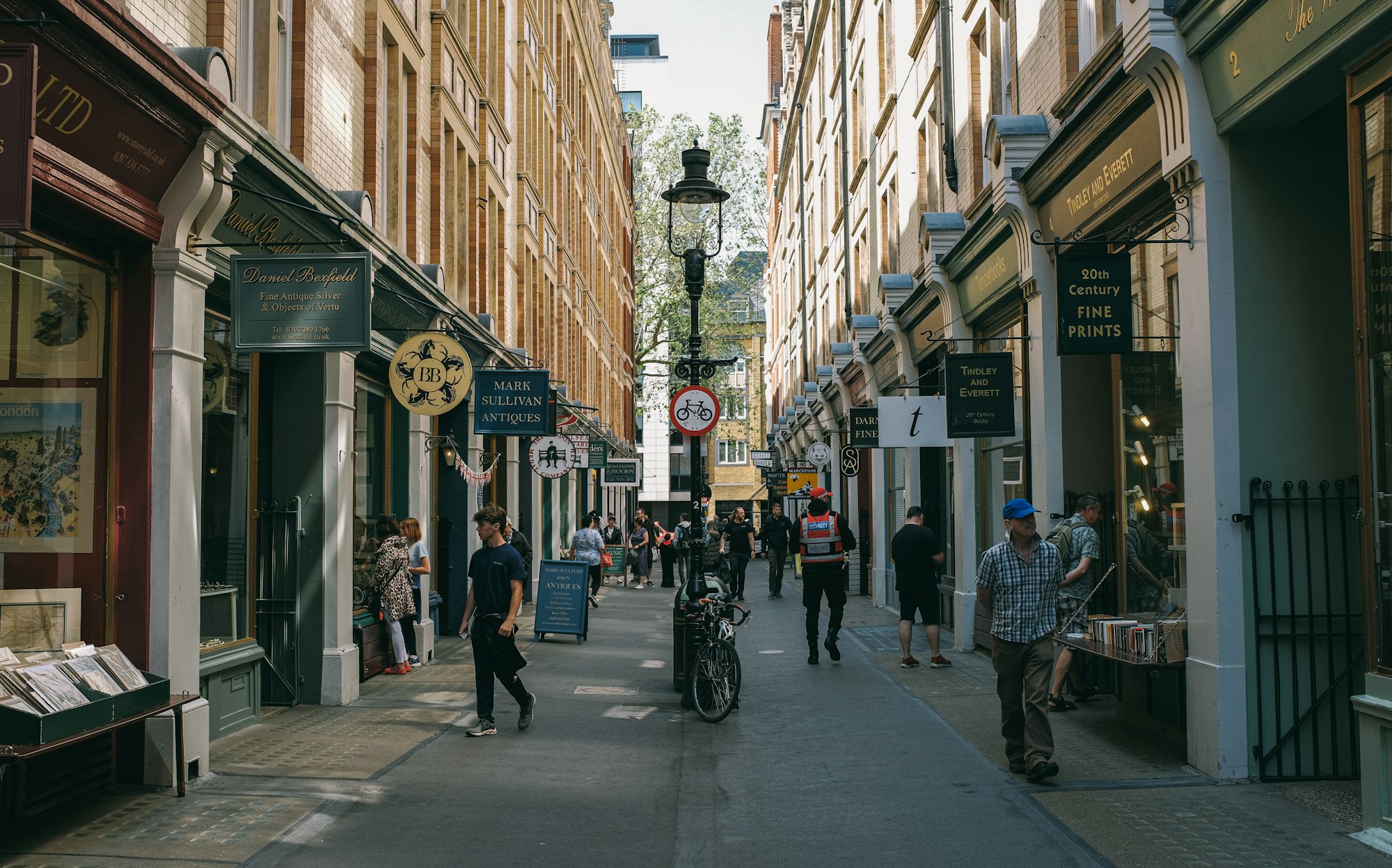
Planning a city scavenger hunt used to mean printing clue sheets, coordinating walkie-talkies, and hoping nobody loses the paper map. This article draws on real-world event experience, platform screenshots, and research into what makes urban hunts work so you can skip the guesswork. Whether you are a tour operator, corporate event planner, or tourism board member, these 10 city scavenger hunt ideas will help you run engaging, tech-powered adventures using a city scavenger hunt app that works entirely in the browser — no app store downloads required.
Table of Contents
- Downtown Landmark Tour
- Food and Drink Crawl
- Street Art and Mural Hunt
- Historical Walking Tour
- Neighbourhood Discovery Hunt
- Photo Scavenger Hunt
- Shop and Window Display Hunt
- Park and Garden Adventure
- Public Transport Challenge
- Night City Exploration
1) Downtown Landmark Tour
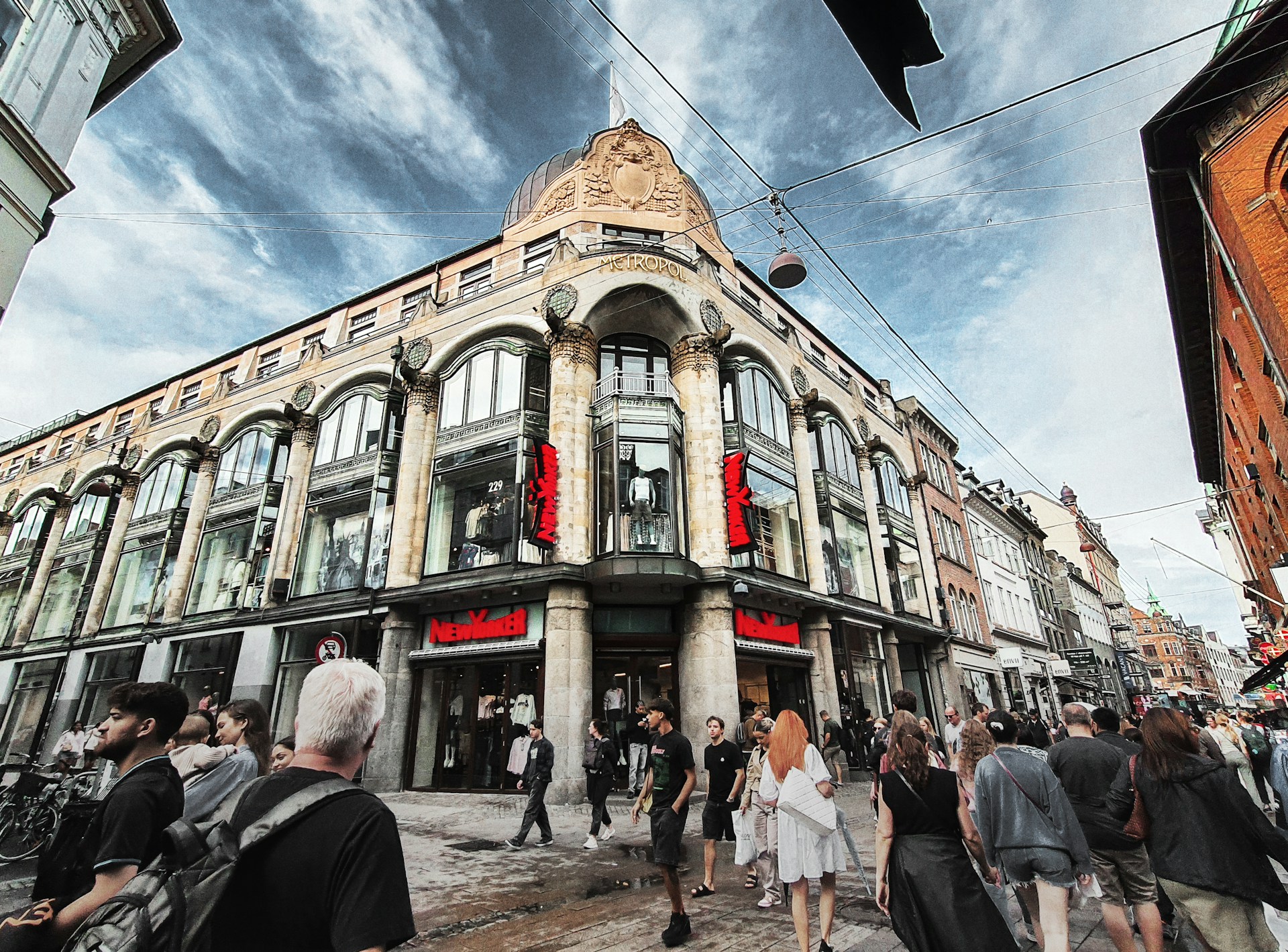
A downtown landmark tour turns the city's most recognisable spots into a structured game. Teams navigate between landmarks, complete challenges at each stop, and compete on a live leaderboard — all from their phone browser.
Set up 10 downtown landmarks as GPS checkpoints using a city scavenger hunt app like PlayTours. At each stop, teams take a group photo with the landmark (using the image task type), answer a trivia question about the building's history (text task), and scan a QR code placed at the location to verify they were there. For example, at a city hall building, the trivia question could be: "What year was this building completed?" with accepted answers for multiple phrasings. Teams earn points for correct answers and bonus points for the best group photo, judged by the facilitator through the judged-image task type. The live leaderboard keeps everyone engaged as they race between stops.
2) Food and Drink Crawl
A food and drink crawl combines culinary exploration with gamification. Teams visit local cafes, restaurants, and bars, completing food-related challenges at each stop while discovering the city's best bites.
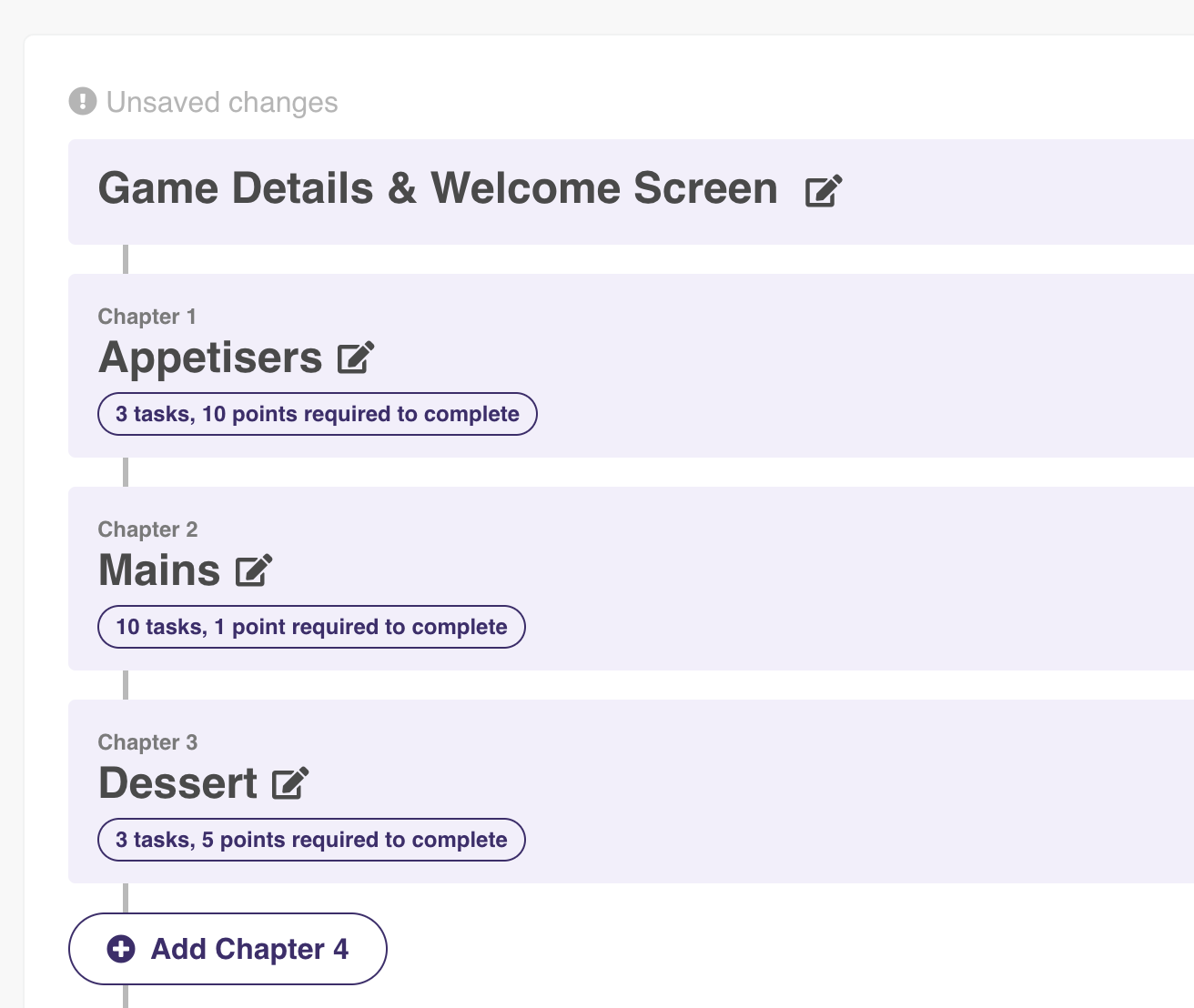
Design a route through 5-8 local eateries. At each stop, teams must photograph their dish (image task), identify a secret ingredient (text task with multiple accepted answers), or rate the item on a scale of 1-5 (free-multiple-choice for survey-style data collection). For a bakery stop, the challenge could be: "Take a photo of your pastry and name the three main ingredients." The facilitator dashboard collects all photo submissions, making it easy to judge the "best food photo" at the end. Use the chapter system to group stops by cuisine type — appetisers in Chapter 1, mains in Chapter 2, desserts in Chapter 3. Teams advance only after completing enough tasks in each chapter, ensuring they visit a balanced mix of venues.
3) Street Art and Mural Hunt
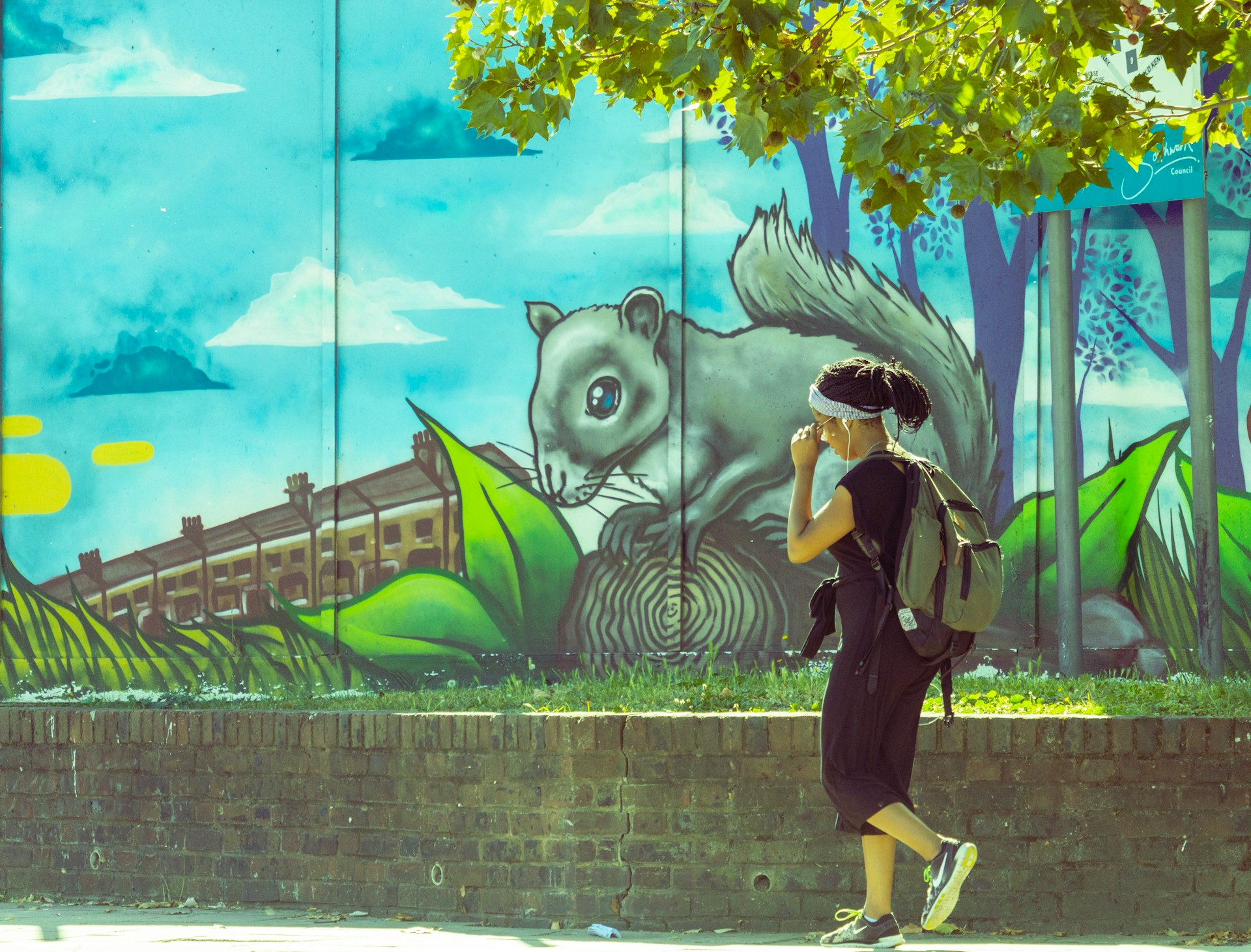
A street art and mural hunt turns the city's public art into an interactive gallery. Teams photograph murals, identify artists, and answer questions about each piece — perfect for neighbourhoods with vibrant art scenes like Wynwood in Miami, Shoreditch in London, or the Mission District in San Francisco.
Create a route through 8-12 murals or street art installations. At each stop, teams use the object-recognition task type to photograph the correct artwork (the AI checks that the photo contains the specified mural). They then answer a text question: "Which artist created this mural?" with multiple accepted spellings of the artist's name. For bonus points, teams can submit a creative caption for the artwork using the text-share task type, which shares their caption in the session chat for all teams to see. This creates a collaborative gallery experience where everyone's contributions are visible. Use the shuffle chapters feature to prevent all teams from crowding at the same mural simultaneously.
4) Historical Walking Tour
A historical walking tour gamifies the city's past. Teams follow a curated route past plaques, monuments, and heritage sites, answering history trivia and completing period-themed challenges along the way.
Design a 2-hour route through 6-8 historical sites. At each location, teams read a short historical briefing (displayed in the chapter text or task text using markdown) and answer a multiple-choice question about the site's significance. For example, at a war memorial: "How many soldiers from this city served in World War I?" with four answer options. Use the combination-lock task type for a dramatic reveal — teams must enter the correct year of a historical event by spinning digital dials. The direction task type guides teams to the next location with a map pin, while the location task type (where the destination is hidden) adds challenge for more experienced players who must find the spot using only the clue text. The GPS radius ensures teams are physically present before they can submit answers.
5) Neighbourhood Discovery Hunt
A neighbourhood discovery hunt encourages teams to explore lesser-known parts of the city. Instead of hitting the main tourist trail, teams venture into residential areas, local markets, and hidden courtyards to find specific items and complete local challenges.
Split the game into 4 chapters, each covering a different neighbourhood. In Chapter 1 (a local market district), teams must find three specific items using the object-recognition task — photograph a red bicycle, a blue door, and a street sign with a number greater than 100. In Chapter 2 (a residential area), teams use the audio task type to record a 10-second ambient sound clip of the neighbourhood (birds, traffic, a street musician). In Chapter 3 (a hidden courtyard), teams solve a word-search puzzle containing the names of local streets. In Chapter 4 (a community garden), teams complete a matching-pairs task pairing local plants with their names. Use the "Must Complete in Order" setting per chapter to ensure teams explore each neighbourhood fully before moving on.
6) Photo Scavenger Hunt
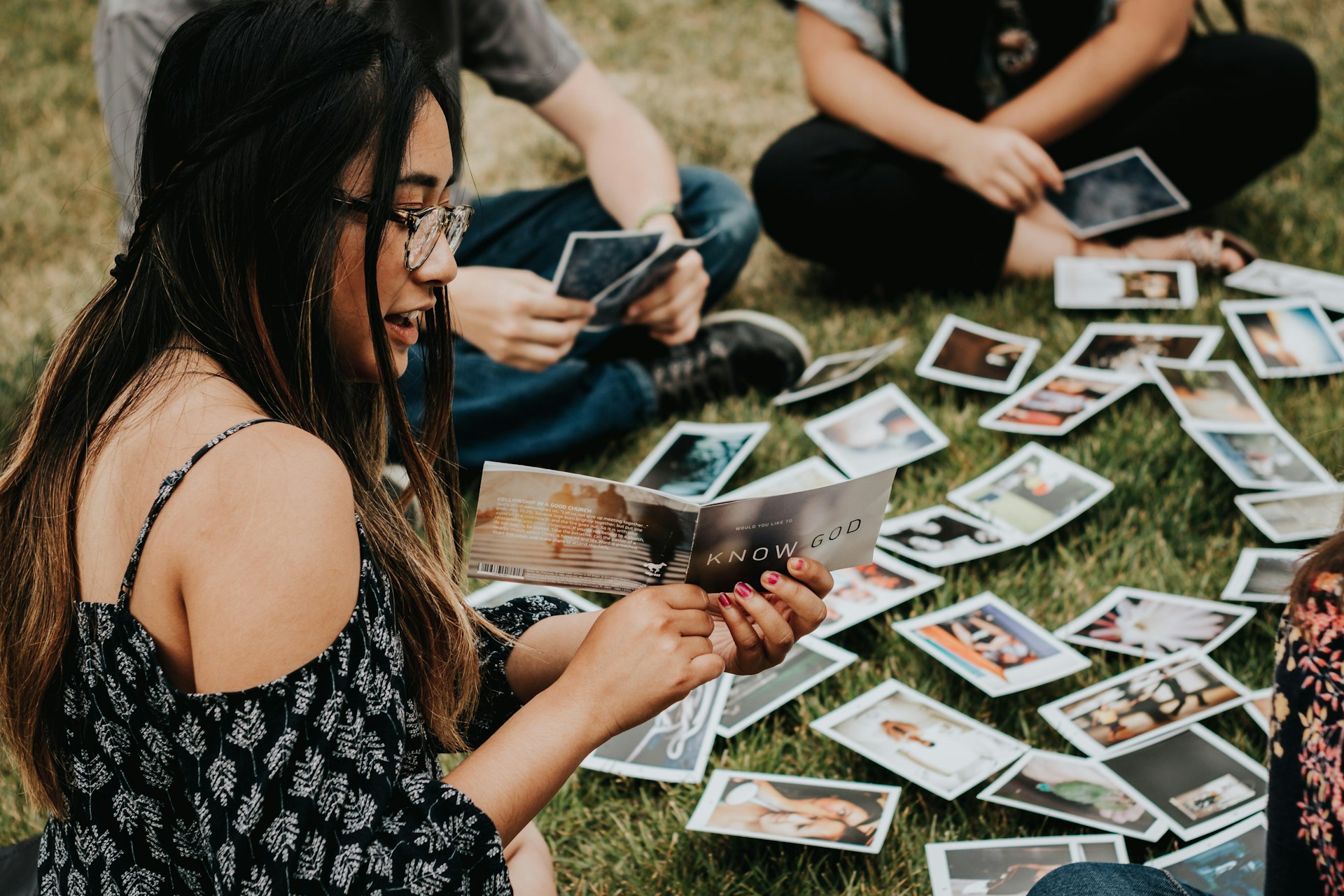
A photo scavenger hunt is one of the most versatile city scavenger hunt ideas because it works in any urban setting. Teams receive a list of photo challenges and must capture creative shots at specific locations around the city.
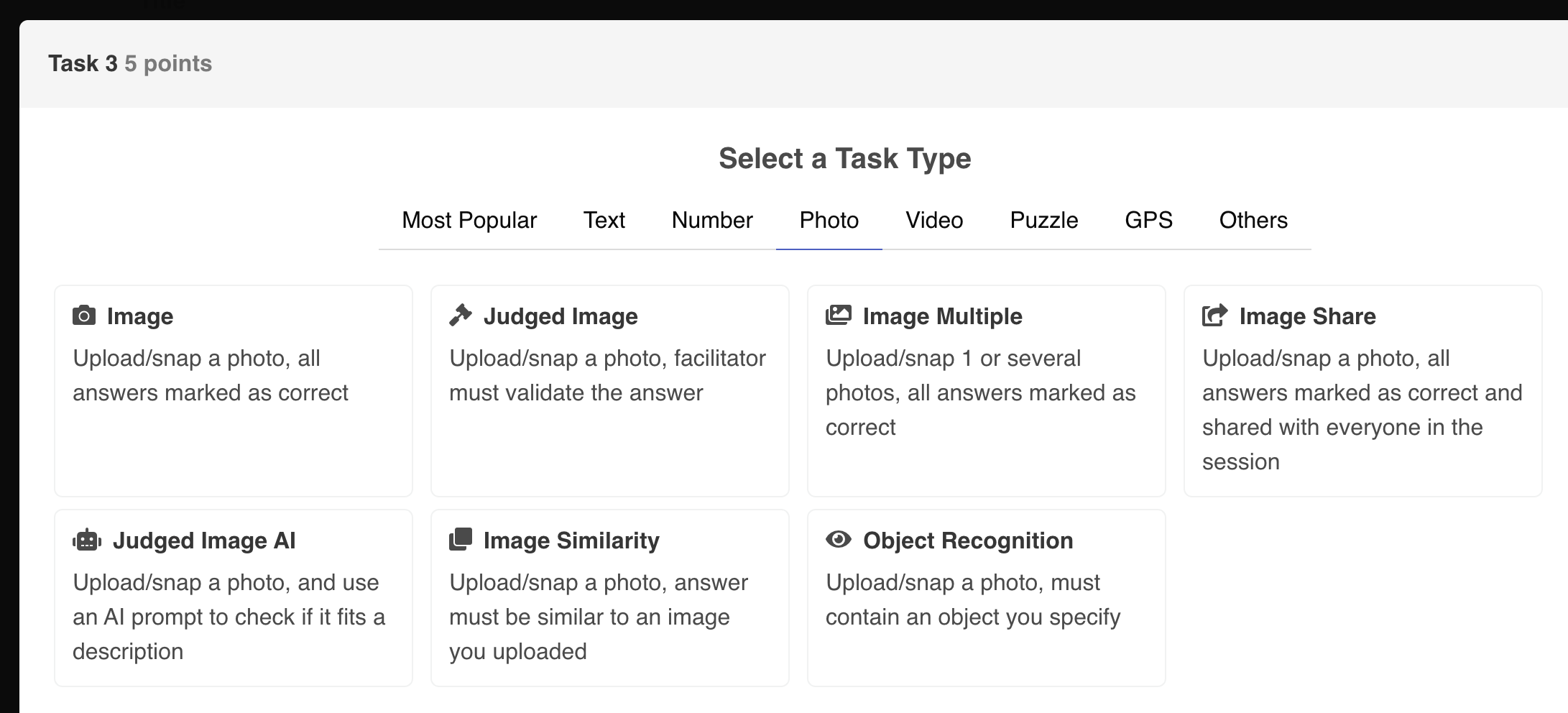
Create 15 photo challenges using the image task type with "Disable Gallery Uploads" enabled — this forces teams to take fresh photos at each location rather than submitting old ones from their camera roll. Challenge examples include: "Take a group selfie reflected in a building window," "Photograph a street performer in action," "Capture a shadow that looks like an animal," and "Find and photograph a statue wearing a hat." Use the image-share task type for a few challenges so the best photos are shared in the session chat, creating a live gallery that all teams can see. At the end, the facilitator uses the judged-image task type to award bonus points for the most creative, funniest, and best-composed photos. The "Allow Caption on Image Submission" setting lets teams add witty captions to their entries.
7) Shop and Window Display Hunt
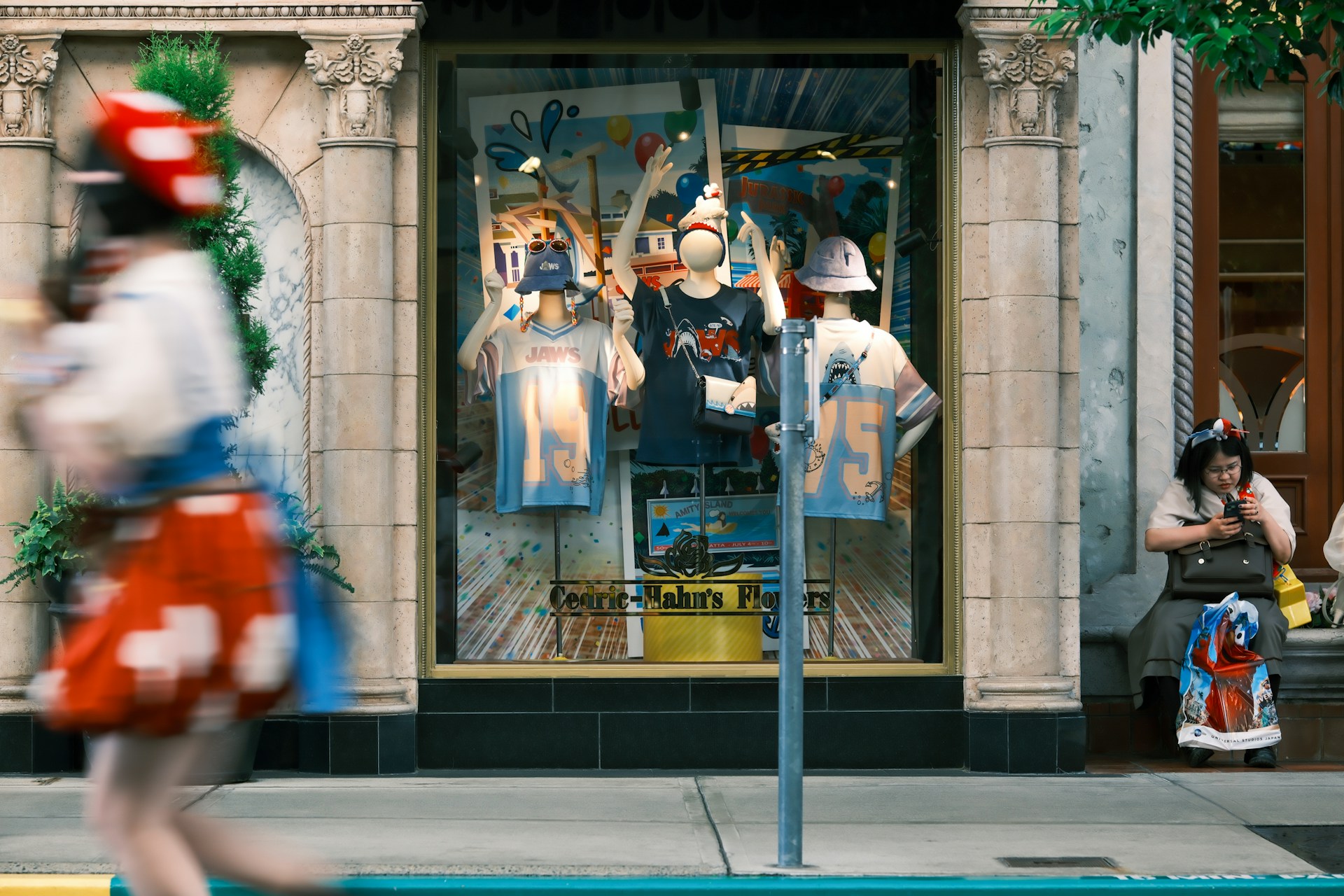
A shop and window display hunt turns retail districts into a game board. Teams find specific items in shop windows, identify stores by their displays, and complete retail-themed challenges — perfect for shopping districts, holiday markets, or festive city centres.
Design a route through 10-15 storefronts along a shopping street. At each stop, teams use the QR/barcode task type to scan a QR code placed in the shop window (the shop owner can print and display it). The QR code unlocks a challenge: "What colour is the mannequin's dress in the window?" (text task), "How many mannequins are in this display?" (integer task with lenience of 1), or "Take a photo of the most expensive item visible from the street" (image task). For a festive twist during the holiday season, add a "find the hidden elf" challenge using the object-recognition task — teams photograph a small elf hidden in each window display. Use the "Limit Teams in Shuffle" setting to prevent more than 3 teams from being at the same shop simultaneously.
8) Park and Garden Adventure
A park and garden adventure takes the scavenger hunt into the city's green spaces. Teams visit urban parks, botanical gardens, and green corridors, completing nature-themed challenges that combine outdoor exploration with learning.
Set up 8 checkpoints across 2-3 parks or gardens. At each stop, teams use the object-recognition task to photograph specific plants, trees, or wildlife: "Find and photograph a oak tree," "Capture a photo of a bird on a bench," or "Photograph three different coloured flowers in one frame." Use the text task for identification challenges: "What species of palm tree is this?" with multiple accepted answers (common name and scientific name both accepted). The audio-words-recognition task type adds a fun twist — teams must record themselves correctly pronouncing the botanical name of a plant. For the final checkpoint, teams complete a scrambled-phrase task that reveals a conservation message when reassembled. Research shows that gamified nature experiences significantly increase participants' connection to urban green spaces and willingness to visit parks again [1].
9) Public Transport Challenge
A public transport challenge tests teams' navigation skills as they use buses, trains, trams, and ferries to reach checkpoints across the city. This is one of the most dynamic city scavenger hunt ideas because the route is never the same twice.
Design a game with 6 checkpoints spread across the city, each accessible only by public transport. Teams start at a central hub (e.g., a main train station) and receive their first clue. The clue might read: "Take the red line to the stop named after a fruit. Once there, find the statue of the musician and scan the QR code at its base." Use the location task type (destination hidden) so teams must figure out where to go based on the clue alone. At each checkpoint, teams complete a timed challenge: "You have 3 minutes to find the departure board for platform 4 and text us the next train to Central Station" (text task with time penalty for wrong answers). The "Lose X Points Per Minute" penalty on each task creates urgency — the longer teams take to figure out the route, the fewer points they earn. Use the global time limit to ensure all teams finish within 3 hours. The chapter shuffle feature ensures teams start at different transport hubs to prevent bunching.
10) Night City Exploration

A night city exploration hunt transforms the urban landscape after dark. Illuminated landmarks, neon signs, and the city's nightlife create a completely different atmosphere for a scavenger hunt — perfect for evening events, birthday parties, or corporate team-building dinners.
Create a 2-hour evening route through 8 illuminated locations. At each stop, teams use the image task type with "Disable Gallery Uploads" to capture night-specific photos: "Photograph the city skyline at night with your team in silhouette," "Capture a neon sign that spells a word," or "Take a photo of a reflection in a puddle under streetlight." Use the text task for night-themed trivia: "How many lights are on the bridge's main span?" (integer task with lenience of 5). The judged-image-ai task type works well here — describe the expected image ("a group of 4 people smiling in front of a lit fountain at night") and let AI validate submissions instantly, which is faster than manual judging for large groups. For the final challenge, teams use the audio task type to record 15 seconds of the city's night sounds — traffic, music from a nearby bar, footsteps on cobblestones. The best recording wins a bonus prize. Use the "Show Only After X Minutes" setting to reveal later checkpoints gradually, keeping the game suspenseful throughout the evening.
Make Your City Scavenger Hunt a Reality
These 10 city scavenger hunt ideas cover everything from daytime landmark tours to after-dark explorations. The common thread is that all of them can be run with a browser-based city scavenger hunt app that requires no app downloads, works on any smartphone, and gives you full control over GPS checkpoints, photo tasks, QR codes, and live leaderboards. If you are ready to evaluate which platform best fits your needs, check out our detailed comparison guide: PlayTours vs Actionbound: Which is Better for Tourism Scavenger Hunts? It covers the key differences in pricing, features, and ease of use so you can make an informed decision.