
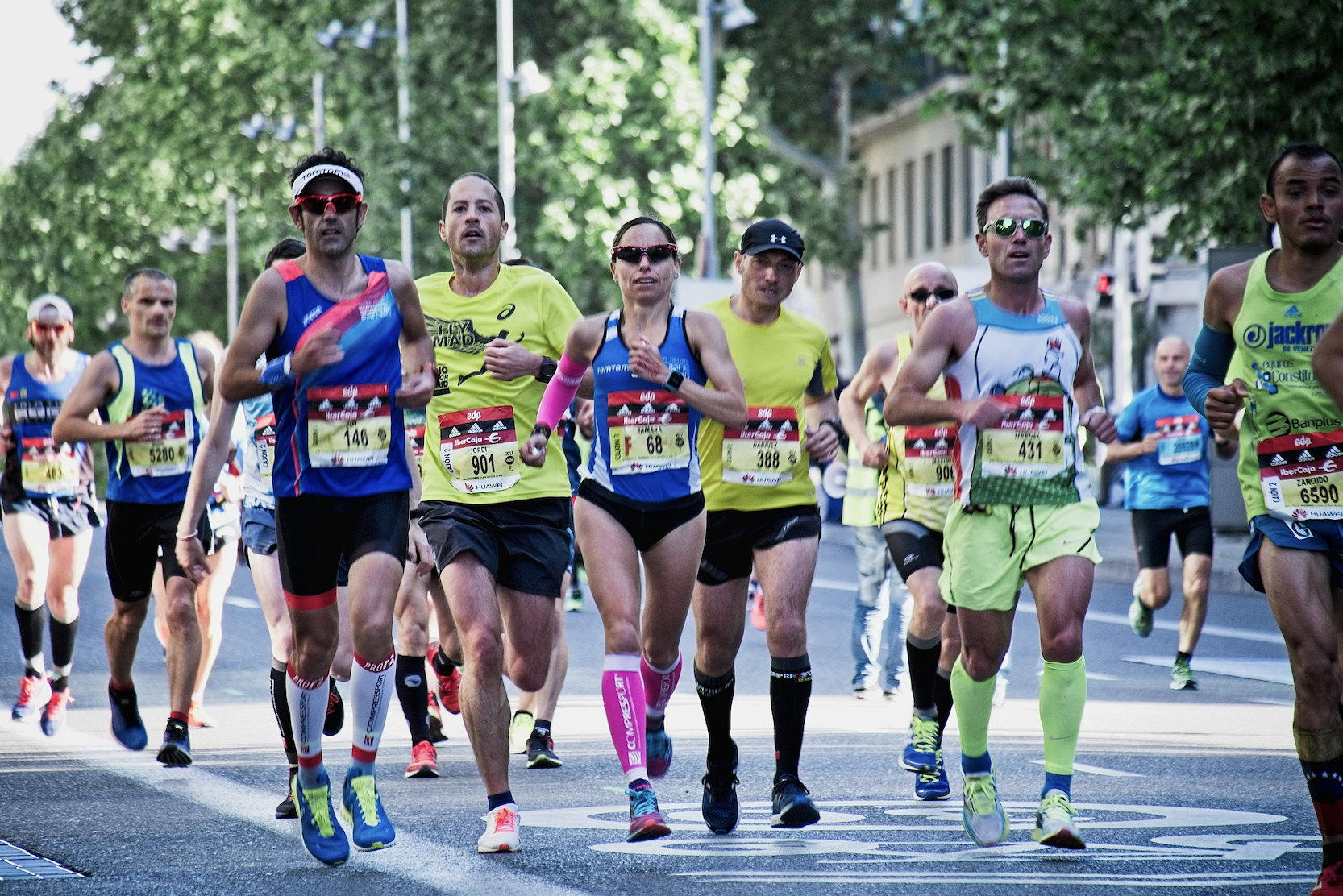
Patriots' Day in Massachusetts and Maine, and the Boston Marathon that runs alongside it, turn the city into a giant live event. Streets close, crowds gather, and companies bring teams into town.
This environment is perfect for a city scavenger hunt or self-guided trail, but it also comes with constraints: safety, crowding, and limited attention.
This guide shows how to design a browser-based city game around a major race weekend using PlayTours, with examples that work for Boston and for any city hosting a big run.
Why pair a scavenger hunt with a marathon or race weekend?
A race weekend concentrates people in a specific area and creates natural energy. A scavenger hunt can give visiting teams a structured way to explore the city before or after the race, activate downtown businesses with foot traffic, and provide a family-friendly activity for spectators.
Using a browser-based platform like PlayTours means no app download for visitors, easy QR-based checkpoints at shops, landmarks, and viewing spots, and live visibility for organisers without needing staff at every corner.
Safety and logistics first
Race weekends are busy. Design your game around that reality.
2.1 Avoid the tightest choke points
Do not place tasks where spectator crowds are dense, where runners are entering or exiting the course, or where security perimeters are strict. Instead, use side streets parallel to the course, plazas and squares just off the main route, or indoor locations like lobbies, food courts, or partner venues.
2.2 Time windows
Use time-restricted tasks for locations that are only safe or open during certain hours. For example, a task at a café that is only active from 9am to 1pm on race day.
2.3 Clear instructions
In your game briefing and chapter texts, remind players to obey all race marshals and police, never cross the course outside designated crossings, and step aside when using their phones.
Structuring the game in PlayTours
A simple structure for a marathon-weekend hunt includes a Welcome and orientation chapter, a Pre-race city loop chapter for the day before or morning of the race, an optional Race-day spectator loop chapter, and a Post-race celebration chapter.
3.1 Use chapter shuffle to reduce crowding
If you expect many teams, enable Shuffle chapters while keeping the first and last chapters fixed. All teams start with orientation, middle chapters are shuffled so teams start in different areas, and all teams end at the same celebration chapter. Within each chapter, enable Shuffle tasks and use Limit teams in shuffle on small venues.
3.2 Points to complete
Set each chapter's Points to complete below the total available points so teams can skip tasks that are too crowded or closed. For example, 10 tasks worth 10 points each with a Points to complete threshold of 60.
Task ideas for a marathon-themed city hunt
4.1 Landmark check-ins
Use direction or location tasks for GPS-based check-ins at key landmarks. You can also add qrbarcode tasks at partner venues that are happy to host a printed QR.
4.2 History and trivia
Use multiple-choice or text tasks for Patriots' Day and marathon trivia. Add custom completion messages that share short stories or links for people who want to learn more.
4.3 Photo challenges
Use image or image-share tasks to capture the atmosphere. For a contest element, use judged-image tasks and award bonus points for the most creative photos.
4.4 Local business activations
Partner with nearby cafés, shops, or museums. A qrbarcode task at a café could prompt players to scan and show their screen to get a small discount. A no-answer task might ask players to visit a bookstore and find the sports section. You can use items to give teams digital stamps for each partner they visit.
4.5 Family-friendly tasks
If families are involved, include simple, non-competitive tasks like counting team colours from a spot or drawing a dream race medal using image tasks with drawing mode enabled.
Managing flow and anti-bunching
Race weekends already create bottlenecks. Enable Shuffle tasks in busy chapters and use Limit teams in shuffle on small venues or narrow streets so not every team is sent to the same place at once.
For GPS tasks, enable Show on map so teams can see where they are heading. For mystery locations, hide the map pin and rely on clues in the task text.
Use Show only after X minutes or Show only after X chapter points to stagger when certain tasks appear — for example, a bonus task that only unlocks after teams complete at least 4 standard tasks.
Running the game in a browser
6.1 Join flow for visitors
Because PlayTours is browser-first, visitors can join quickly. Generate a join QR code, print it on posters at partner venues or show it at a pre-race briefing, and participants scan it with their phone camera to join or create a team and start playing. No app store, no account creation.
6.2 Facilitator dashboard
From the dashboard you can monitor team locations and progress, view photos and submissions in real time, judge any judged-image or judged-text tasks, and send broadcast messages if weather or race conditions change. This is especially useful if you need to close a task quickly due to crowding or security.
Example game outline for Boston Marathon weekend
Chapter 1: Welcome to Marathon City. A no-answer task for safety rules, a multiple-choice quiz on race-day etiquette, and a text-share task to name the team after something related to running or the city.
Chapter 2: Historic Loop (Pre-race). Direction tasks at two or three historic sites, multiple-choice trivia about Patriots' Day, and an image task asking players to recreate a historic pose in front of a landmark.
Chapter 3: Spectator Spots (Race-day, optional). Location tasks near safe viewing areas, an image-share task capturing the energy of the crowd, and a free-text task asking players to write a short cheer message for runners.
Chapter 4: Post-race Celebration. A team photo image task, a free-text feedback task, and a debrief screen with links to race results and local partners.
Working with partners and sponsors
A city hunt around a marathon is a strong sponsorship opportunity. You can feature partner logos in the game cover image and chapter texts, add redirect URLs at the end of the game to send players to a sponsor page, and create partner-specific tasks that highlight their locations or offers.
After the event, export results to show partners how many teams visited their tasks, how many photos were taken at their locations, and qualitative comments from players. This makes it easier to renew partnerships for future years.
Common pitfalls and how to avoid them
Coordinate with race organisers if you plan tasks near the course, and share your route map to avoid official operational zones. Keep your hunt compact and optional, as many participants may already be running or standing for hours.
On busy days, city centres can have patchy mobile data. Design tasks that do not require heavy media uploads, or encourage teams to upload photos when they reach Wi-Fi. Enable image compression in UI settings to reduce file sizes.
Include tasks that spectators with mobility limitations can complete from a single location, such as trivia, observation, or audio tasks.
Turning race weekend into a repeatable format
Once you have a solid game for one marathon or Patriots' Day, you can reuse the structure for future years with updated trivia, adapt it for other races or city festivals by swapping landmarks and tasks, and offer it as a package to corporate clients visiting the city.
With a browser-based platform like PlayTours, you can scale from a single company outing to a city-wide activation without asking anyone to download an app, and without putting extra strain on race-day logistics.
Cover photo by Miguel A Amutio on Unsplash