
How to Run a May Day Corporate Appreciation Scavenger Hunt for German and French Teams
By the end of this guide, you will have a complete, ready-to-implement 90-minute scavenger hunt designed specifically for May 1 (Tag der Arbeit / Fete du Travail) that works for German teams, French teams, or mixed European offices. This article is written for first-time organisers and experienced HR managers alike, with step-by-step instructions, cultural notes for each country, and a PlayTours game template you can set up in under an hour.
Table of Contents
- Step 1: Understand Why May 1 Works for Corporate Appreciation
- Step 2: Define Your Objectives and Team Structure
- Step 3: Build the 4-Chapter Game Structure
- Step 4: Add Cultural Notes for German Teams (Tag der Arbeit)
- Step 5: Add Cultural Notes for French Teams (Fete du Travail)
- Step 6: Adapt for Remote and Hybrid Teams
- Step 7: Set Up the Game in PlayTours (Under an Hour)
- Step 8: Define Success Metrics and Measure Impact
- Step 9: Communicate and Launch
- Step 10: Follow Up and Celebrate
Step 1: Understand Why May 1 Works for Corporate Appreciation
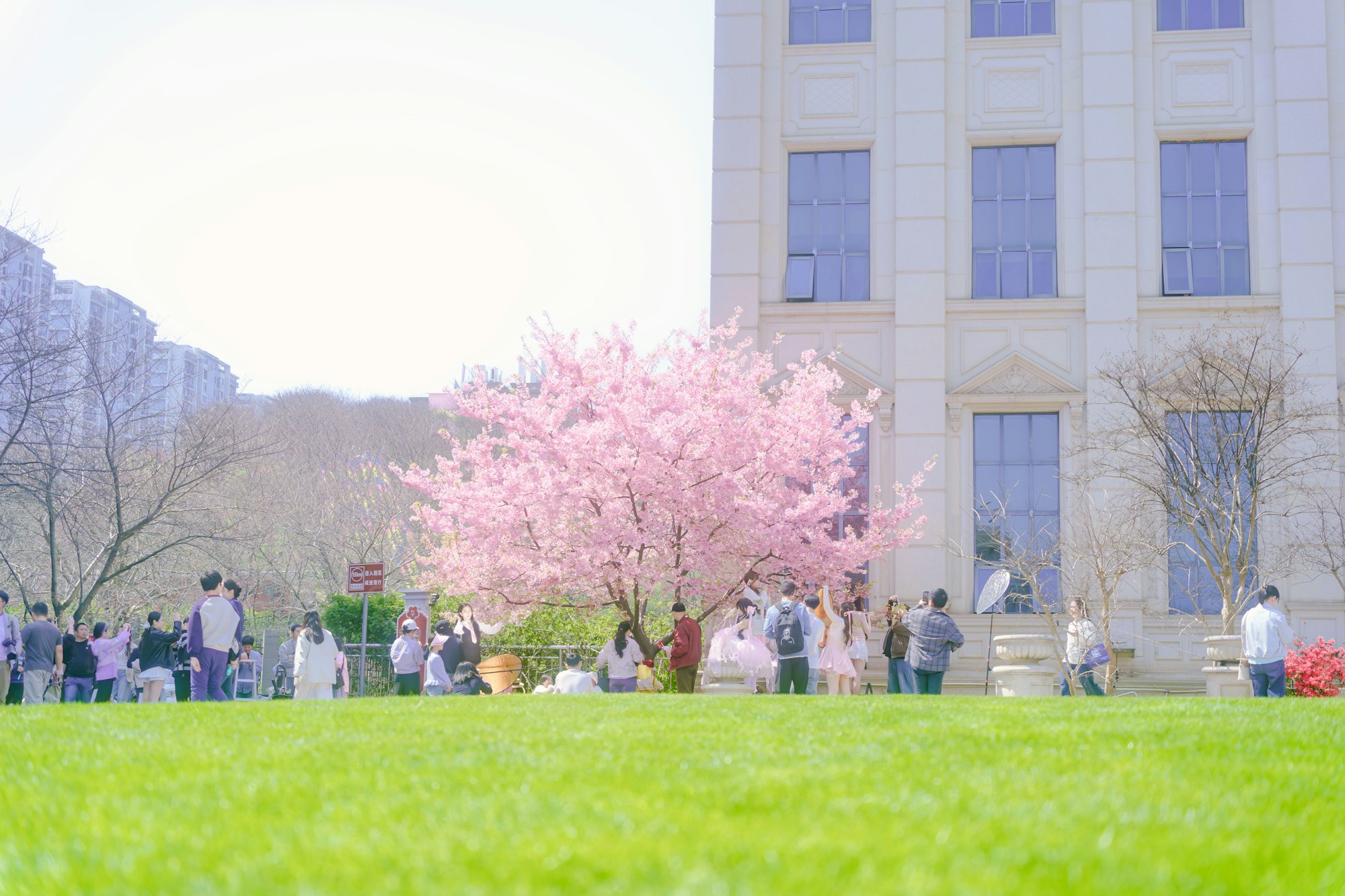
May 1 is a public holiday in both Germany (Tag der Arbeit) and France (Fete du Travail). Offices are closed, employees have the day off, and the timing coincides with spring weather across most of Europe. This makes it an ideal moment for an optional, light-touch team activity that feels like a gift rather than an obligation.
Why this matters: Unlike forced team-building sessions scheduled during work hours, a May Day team building scavenger hunt is voluntary, seasonal, and framed as appreciation. Employees participate because they want to, not because they have to. The holiday context means no one is pulled away from their regular work, and the activity can be completed at their own pace during their day off.
Common mistake to avoid: Do not make participation mandatory. May 1 is a workers' rights holiday in both countries. Mandatory attendance on a public holiday undermines the appreciation message and can create resentment. Frame the activity as an optional opt-in experience with a small reward for those who join.
Step 2: Define Your Objectives and Team Structure
Before building the game, clarify what you want to achieve. A corporate appreciation scavenger hunt serves three primary objectives: making employees feel valued, fostering cross-team connection, and celebrating the season. Each objective shapes a different part of the game design.
Team structure recommendations:
- Small offices (under 30 people): One team per department or let individuals join as free agents who get matched into teams on game day.
- Mid-size offices (30-100 people): Teams of 4-6 people, mixed across departments to encourage cross-functional connection.
- Large or multi-city offices (100+ people): Teams of 4-6 people grouped by city/location, with a separate leaderboard per location and an overall company leaderboard.
Common mistake to avoid: Do not let teams self-select entirely. Left to their own devices, people cluster with colleagues they already know. Use PlayTours' shuffle feature to randomly assign teams, or manually mix departments to maximise cross-team interaction.
Step 3: Build the 4-Chapter Game Structure
The game runs for 90 minutes total, split into four chapters. Each chapter has a distinct purpose and a mix of task types that keep the experience varied and engaging. Below is the complete structure with PlayTours task type examples drawn from the game builder.
Chapter 1: Welcome and Warm-Up (10 minutes)
Purpose: Get everyone logged in, oriented, and having fun immediately. No one should feel lost or left behind.
Tasks:
- Task 1 (no-answer): A welcome screen with the game briefing, rules, and a link to the team chat. Players click "Mark as completed" to proceed.
- Task 2 (image): "Take a selfie with your morning coffee, tea, or spring blossom. Show us how you start your May Day!" All photos are shared in the session chat via image-share.
- Task 3 (multiple-choice): "What does May 1 celebrate in Germany and France?" Options: a) The start of spring, b) Workers' rights and labour solidarity, c) The blooming of lily of the valley, d) All of the above. Correct answer: d) All of the above.
Practical note: Use the "Must Complete in Order" setting for this chapter so players read the briefing before attempting tasks. Set shuffleChallenges to false here since the warm-up is intentionally sequential.
Chapter 2: Spring Discovery Walk (25 minutes)
Purpose: Get teams outside to enjoy the spring weather and explore their local area. This chapter works for both in-person and remote teams (remote teams explore their own neighbourhoods).
Tasks:
- Task 4 (object-recognition): "Find and photograph a blooming flower or tree in your neighbourhood. The AI will check that your photo contains a flower or blossom."
- Task 5 (direction + GPS): "Walk to the nearest public park, square, or green space. Check in using GPS when you arrive." Set a radius of 100-200 metres around the target location.
- Task 6 (image): "Take a photo of something that represents spring to you. It could be a bird, a butterfly, a budding tree, or simply the blue sky."
- Task 7 (text): "In one sentence, describe what spring means in your language. German teams: write in German. French teams: write in French. Bonus points for poetic answers!" Use text-ai for AI validation with a prompt like "Accept any genuine description of spring in German, French, or English."
Practical note: Enable shuffleChallenges for this chapter so teams spread out and don't crowd the same locations. Set a per-chapter time limit of 25 minutes with auto-forward enabled.
Chapter 3: Team Trivia and Culture (20 minutes)
Purpose: Test knowledge about May Day traditions in both countries, share cultural insights, and learn something new about colleagues.
Tasks:
- Task 8 (multiple-choice): "In Germany, what is traditionally erected on village greens on the night of April 30?" Options: a) A maypole (Maibaum), b) A bonfire, c) A flower arch, d) A statue. Correct: a) A maypole (Maibaum).
- Task 9 (multiple-choice): "In France, what flower is traditionally given on May 1 as a symbol of good luck and happiness?" Options: a) Rose, b) Lily of the valley (muguet), c) Lavender, d) Sunflower. Correct: b) Lily of the valley (muguet).
- Task 10 (text-share): "Share one tradition your family or region observes on May 1. It could be from your childhood, your hometown, or a tradition you discovered after moving to Germany or France." All answers are shared in the session chat.
- Task 11 (free-text): "What is one thing you appreciate about your team? It could be a colleague who helped you recently, a team win, or simply the daily coffee chats." This is a reflection task with no wrong answer.
Practical note: Set shuffleChallenges to true for this chapter. Use the "Show Only After X Chapter Points" setting on Task 11 so it unlocks only after teams complete at least 2 of the first 3 tasks in this chapter.
Chapter 4: Celebration and Wrap-Up (15 minutes)
Purpose: Bring everyone back together, share highlights, and end on a positive, appreciative note.
Tasks:
- Task 12 (image): "Take a team photo (in person or a screenshot of your video call) showing how you celebrate May Day together."
- Task 13 (free-text): "What is one thing you are looking forward to this spring or summer, either at work or in your personal life?"
- Task 14 (no-answer): A closing message with the game debrief: a thank-you note from leadership, a link to a shared photo gallery, and information about how the team's participation will be recognised (e.g., a donation to a charity of the team's choice, or a small gift card).
Practical note: Use the game-level debrief text to display a final appreciation message. Set a redirect URL to a post-event survey or a shared photo album.
Step 4: Add Cultural Notes for German Teams (Tag der Arbeit)
German teams bring specific cultural expectations to May 1 that you must account for in your game design. Getting these right shows respect and increases participation.
Respect the holiday's seriousness. Tag der Arbeit is historically rooted in the labour movement and workers' rights. While the scavenger hunt should be fun, avoid trivialising the holiday. Frame the activity as appreciation for employees' contributions throughout the year, not as a "party" that overshadows the day's meaning.
Consider Tanz in den Mai. Many Germans celebrate "Tanz in den Mai" (Dance into May) on the night of April 30 with parties, bonfires, and dancing. If your game runs on May 1 morning, expect some participants to be tired. A morning start after 10:00 AM or an afternoon window (14:00-16:00) works better for German teams.
Include Maibaum challenges. The Maibaum (maypole) is a central German May Day tradition. Add a task asking teams to find and photograph a Maibaum in their village or city neighbourhood. In Bavaria and Baden-Wurttemberg, Maibaume are common on village greens. In larger cities, they appear outside town halls or breweries.
Punctuality norms. German teams tend to appreciate clear timing. Set explicit start and end times for the game, and communicate them at least one week in advance. Use the global time limit feature in PlayTours to enforce the 90-minute window.
Common mistake to avoid: Do not schedule the game during the traditional May Day demonstrations (1 May demonstrations organised by unions and political parties, typically mid-morning in city centres). Check local demonstration schedules in Berlin, Hamburg, Munich, Cologne, and Frankfurt before setting your game time.
Step 5: Add Cultural Notes for French Teams (Fete du Travail)
French teams have their own distinct traditions and sensitivities around May 1. The game should reflect these to feel authentic and respectful.
Embrace the muguet tradition. On Fete du Travail, it is a cherished French tradition to offer sprigs of lily of the valley (muguet) to friends, family, and colleagues as a symbol of good luck and happiness for the coming year. Add a task asking teams to find and photograph muguet being sold on street corners (vendors are exempt from licensing on May 1) or to share a photo of a muguet sprig they received or gave.
Avoid parade routes. Major French cities host large union-led parades on May 1 (Paris, Lyon, Marseille, Toulouse, Lille). Do not set GPS check-in locations near parade routes. Check local prefecture announcements for planned routes at least 48 hours before the game.
Morning or early afternoon start. French families often have lunch gatherings on May 1. A game window between 10:00 and 12:00 works well, or alternatively 14:00-16:00 after the family lunch. Avoid 12:00-14:00 when most of France sits down to eat.
Food tasks resonate. French team culture revolves heavily around food and shared meals. Include a task asking teams to photograph their May Day lunch or a special treat they bought from a bakery. The image-share task type works well here since photos are visible to all teams and create a shared experience.
Common mistake to avoid: Do not use the term "Labour Day" in French communications. "Fete du Travail" is the standard name. "Labour Day" carries different political connotations in France and may alienate some participants. Use "Fete du Travail" or "May Day" in bilingual communications.
Step 6: Adapt for Remote and Hybrid Teams
Not every team member will be in the same city on May 1. Remote and hybrid teams need specific adaptations so everyone can participate regardless of location.
Virtual chapters. Chapters 1 (Welcome), 3 (Trivia), and 4 (Celebration) work exactly the same for remote participants since they involve no physical movement. Chapter 2 (Spring Discovery Walk) needs adaptation: remote participants explore their own local neighbourhood instead of a company-designated area.
Local exploration. For Chapter 2, remote participants complete the same tasks but in their own location. The object-recognition task (find a flower) works anywhere in the world. The GPS check-in task can be replaced with a direction task pointing to a nearby park or green space that the participant identifies themselves.
Auto-translate. Enable PlayTours' auto-translate feature so German-speaking and French-speaking participants can play in their preferred language. Enable "Auto-translate Content Also" so task text appears in the player's chosen language. Note that text answers in translated languages may not match the creator's expected answers exactly, so use text-ai or free-text types for language-sensitive tasks.
Global time limit. Set a global time limit of 90 minutes rather than per-chapter limits for remote teams. This gives participants flexibility to complete chapters at their own pace within the overall window. Use the "End Game Upon Time Limit" setting so everyone finishes together.
Common mistake to avoid: Do not assume all remote participants have reliable GPS. For remote Chapter 2 tasks, use direction tasks (which show the location on a map) rather than location tasks (which hide it). This helps participants navigate to the right spot even in unfamiliar neighbourhoods.
Step 7: Set Up the Game in PlayTours (Under an Hour)
PlayTours' game builder lets you create the entire 4-chapter structure in under an hour. Here is the exact configuration for each setting.
Game-level settings:
- Game Title: "May Day Corporate Appreciation Hunt 2026"
- Game Text (Briefing): A short welcome message explaining the game is optional, runs 90 minutes, and is designed to celebrate your team. Include links to the team chat and a tech-support contact.
- Global Time Limit: 90 minutes. Enable "End Game Upon Time Limit."
- Auto Translate: On. Default language: English. Enable "Auto-translate Content Also."
- Debrief: A thank-you message from leadership, a link to the shared photo gallery, and details about the appreciation reward.
- Redirect URL: Link to a post-event survey or a shared photo album.
Chapter 1 settings: Title: "Welcome and Warm-Up." Must Complete in Order: On. Shuffle Tasks: Off. Time Limit: 10 minutes. Auto Forward: On.
Chapter 2 settings: Title: "Spring Discovery Walk." Must Complete in Order: Off. Shuffle Tasks: On. Time Limit: 25 minutes. Auto Forward: On.
Chapter 3 settings: Title: "Team Trivia and Culture." Must Complete in Order: Off. Shuffle Tasks: On. Time Limit: 20 minutes. Auto Forward: On.
Chapter 4 settings: Title: "Celebration and Wrap-Up." Must Complete in Order: Off. Shuffle Tasks: Off. Time Limit: 15 minutes. Auto Forward: On.
Task configuration notes:
- For object-recognition tasks (Task 4), specify the object as "flower" or "blossom" in the AI validation prompt.
- For GPS tasks (Task 5), set the radius to 100-200 metres. Enable "Visible Outside Radius" so participants can see the task location before they arrive.
- For text-ai tasks (Task 7), use a prompt like: "Accept any genuine description of spring in German, French, or English. Reject empty submissions or gibberish."
- For text-share tasks (Task 10), enable the session chat so shared answers are visible to all teams.
Common mistake to avoid: Do not set per-chapter time limits that are too tight. The 10/25/20/15 split gives a comfortable pace. If you shorten any chapter, test it with a pilot group first to ensure the tasks are completable within the window.
Step 8: Define Success Metrics and Measure Impact
A corporate appreciation activity should be measured, not just executed. Define what success looks like before the game starts so you can report results to leadership and improve future events.
Key metrics to track:
- Participation rate: Number of employees who joined divided by total invited. Aim for 30-50% for an optional holiday activity. Higher rates indicate strong engagement culture.
- Completion rate: Number of teams that finished all 4 chapters divided by total teams that started. Aim for 70%+. Low completion suggests the game was too long or too difficult.
- Engagement time: Average time spent in the game. For a 90-minute window, 45-60 minutes of active engagement is excellent.
- Chat activity: Number of messages in the session chat. Active chat indicates teams are connecting and having fun.
- Photo submissions: Number of photos uploaded. Photo tasks are the most visible output of the game and create a lasting memory artefact.
Post-game survey: Send a 3-question survey via the redirect URL: (1) Did you enjoy the activity? (Yes/No/Somewhat), (2) Would you participate in a similar event next year? (Yes/No/Maybe), (3) What would make it better? (Free text).
Common mistake to avoid: Do not treat participation rate as the only success metric. An optional holiday activity with 30% participation and 90% satisfaction is more valuable than a mandatory activity with 100% participation and 40% satisfaction. Frame your reporting around quality of experience, not just quantity of attendees.
Step 9: Communicate and Launch
How you communicate the game determines participation more than the game design itself. A well-designed game with poor communication will have low turnout.
Communication timeline:
- 2 weeks before: Save-the-date email. Announce that a voluntary May Day activity is coming. No details yet, just build anticipation.
- 1 week before: Full announcement with game description, time window, team assignments, and a link to the game briefing. Emphasise that participation is optional and the activity is designed as appreciation.
- 2 days before: Reminder email with the game code and instructions for joining. Include a tech-check link so participants can verify their device works with PlayTours.
- Game day: A final reminder 30 minutes before the start time. Include a direct link to join the game.
Language considerations: Send all communications in both German and French for mixed teams. For single-country teams, use the local language. English can serve as a bridge language for international offices.
Common mistake to avoid: Do not send the game code too early. If participants receive the code more than 48 hours before the game, some will join early, complete tasks, and spoil the experience for their team. Send the code in the 2-day-before reminder only.
Step 10: Follow Up and Celebrate
The game ends, but the appreciation continues. A strong follow-up turns a one-time activity into a lasting culture-building moment.
Immediate follow-up (within 24 hours):
- Send a thank-you email to all participants with a link to the shared photo gallery from the game.
- Announce the winning team(s) and their prize. For non-competitive teams, announce that everyone who completed the game will receive a small appreciation gift.
- Share a few standout photos or answers from the game in the company-wide channel (with permission).
One-week follow-up:
- Share the post-game survey results with participants and leadership.
- Deliver on any promises made during the game (charity donations, gift cards, team lunch vouchers).
- Add a note to the company calendar for next year's May Day activity, noting what worked and what to improve.
Common mistake to avoid: Do not let the game be a one-off event with no follow-through. If you promised a reward during the debrief, deliver it within one week. Broken promises on appreciation activities damage trust more than not running the activity at all.
You are now ready to run a May Day corporate appreciation scavenger hunt that respects the cultural significance of Tag der Arbeit and Fete du Travail while creating genuine team connection and seasonal joy. The PlayTours game builder makes setup straightforward, and the 4-chapter structure ensures a balanced experience for in-person, remote, and hybrid teams across Germany and France.
Next step:Explore how browser-based scavenger hunts are transforming corporate culture and see how PlayTours can support your next team appreciation event.
SOURCES:
- PlayTours Game Builder Feature Reference - internal documentation