
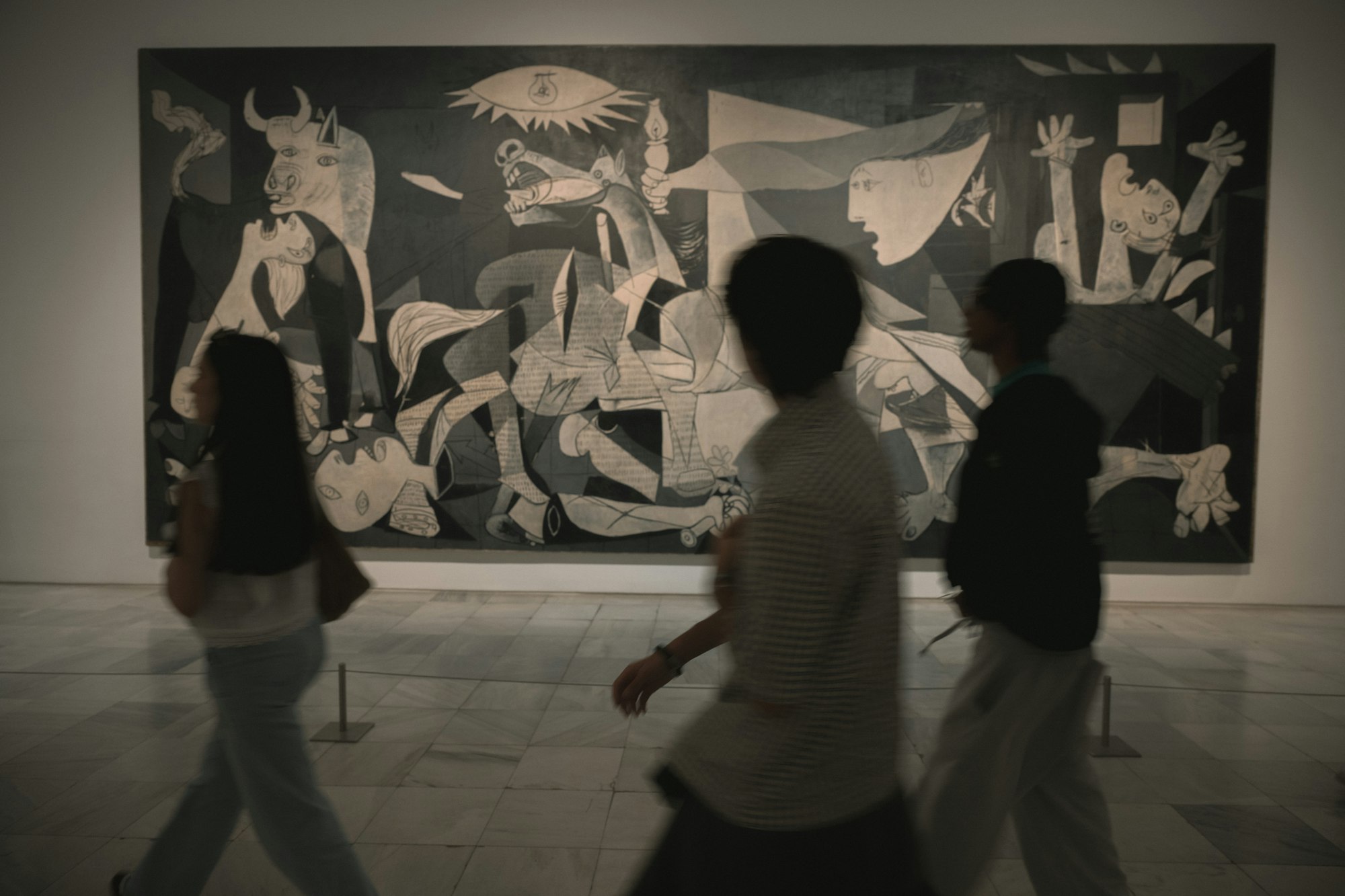
International Museum Day, organized by the International Council of Museums (ICOM), takes place on Monday, May 18, 2026. Museums around the world participate with special exhibitions, free admission, extended hours, and educational programs.
For museum educators and visitor experience managers, International Museum Day is both an opportunity and a challenge. Visitor numbers spike, staff are stretched thin, and every visitor expects a memorable experience. A browser-based scavenger hunt solves several problems at once: it engages visitors without requiring additional staff, works across all age groups, and creates a structured discovery experience that enhances rather than replaces the museum visit.
This article explains how to design a museum scavenger hunt for International Museum Day, with practical examples for different museum types and age groups.
Why a Scavenger Hunt Works for Museum Day
Self-guided engagement. Visitors explore at their own pace without needing a docent or guide. This is especially valuable on busy days when staff are stretched.
All ages. A well-designed hunt includes tasks for children, teens, and adults. Families can play together with different roles.
No app download. Visitors open a link on their phone. No app store, no WiFi login, no storage space required. This removes the biggest barrier to digital museum experiences.
Data collection. The facilitator dashboard shows which exhibits visitors engaged with most, how long they spent, and which tasks were most popular. This data is valuable for exhibition planning.
Accessibility. Browser-based tasks can include alt text, adjustable font sizes, and multiple languages. The auto-translate feature makes the hunt accessible to international visitors.
Step 1: Choose Your Hunt Format
Museum scavenger hunts come in several formats. Choose the one that fits your museum type and audience:
Format A: Gallery Discovery Trail
A linear route through the museum's permanent collection. Visitors follow a path from gallery to gallery, completing tasks at key exhibits. Best for large museums with a clear visitor flow.
Format B: Themed Treasure Hunt
A non-linear hunt where visitors search for specific objects or themes across multiple galleries. "Find three objects that are blue," "Find something made before 1800," "Find an animal in the collection." Best for encyclopedic museums with diverse collections.
Format C: Special Exhibition Companion
A hunt designed specifically for a temporary exhibition. Tasks guide visitors through the exhibition narrative and encourage deeper engagement with key objects. Best for blockbuster exhibitions with high visitor numbers.
Format D: Family Activity Trail
A shorter, simpler hunt designed for families with young children. Tasks are visual and physical (find, count, draw, photograph). Best for museums with a strong family audience.
Step 2: Design Tasks for Museum Contexts
Image Tasks (photograph objects): "Photograph the smallest object in this gallery," "Take a picture of the painting with the most people in it," "Find and photograph the detail of the vase handle." Enable the blur-faces feature for visitor privacy.
Multiple-Choice Questions (observation and knowledge): "What material is this sculpture made from?" (A: Marble, B: Bronze, C: Wood), "In which year was this painting completed?" (A: 1889, B: 1901, C: 1923)
Free-Text Answers (label reading): "What is the artist's full name as written on the label?" "Where was this object found?" "What is the title of the painting to your left?"
QR Code Discovery (extended content): Place QR codes next to key exhibits that link to curator videos, audio guides, or deeper articles. This works well for visitors who want more depth without cluttering the main task flow.
Direction Tasks (guide between galleries): "Walk through the double doors into the next gallery. Look for the large red painting on the far wall."
Step 3: Sample Hunt — Art Museum Gallery Trail
Here is a complete sample hunt for an art museum with 6 galleries:
Chapter 1: Welcome
Task 1 (no-answer): "Welcome to [Museum Name]! This discovery trail takes about 60-90 minutes and covers 6 galleries. Start in the Ancient Art gallery."
Chapter 2: The Galleries (2 tasks per gallery)
- Gallery 1 — Ancient Art: Task 1 (image): "Photograph the oldest object in this gallery." Task 2 (multiple-choice): "What civilization created this pottery?" (A: Greek, B: Roman, C: Egyptian)
- Gallery 2 — Renaissance Paintings: Task 1 (free-text): "What is the date on the largest painting?" Task 2 (image): "Take a photo of your favorite detail in this gallery."
- Gallery 3 — Impressionist Collection: Task 1 (multiple-choice): "Which Impressionist painter created the landscape on the north wall?" Task 2 (qrbarcode): "Scan the QR code next to the Monet to hear the curator's commentary."
- Gallery 4 — Modern Sculpture: Task 1 (image): "Photograph the sculpture that uses the most unusual material." Task 2 (free-text): "What does the wall text say inspired this piece?"
- Gallery 5 — Photography Exhibition: Task 1 (multiple-choice): "What year was the earliest photograph in this exhibition taken?" Task 2 (image): "Take a photo of the photograph that speaks to you most."
- Gallery 6 — Contemporary Gallery: Task 1 (free-text): "Write one word that describes how this installation makes you feel." Task 2 (image): "Take a group photo in front of your favorite contemporary piece."
Chapter 3: Feedback
Task 1 (free-text): "What was your favorite artwork or exhibit today?"
Task 2 (no-answer): "Thank you for visiting! Show your completion screen at the gift shop for a 10% discount."
Step 4: Configure the Game in PlayTours
Game-level settings:
- Title: "[Museum Name] International Museum Day Discovery Trail"
- Global time limit: 2 hours (generous for a 90-minute trail)
- Auto translate: Enable for international visitors
- Debrief: A thank-you message with gift shop discount code
Chapter settings:
- Chapter 1: Set minPoints to 0
- Chapter 2: Set completeChallengesInOrder to ON (visitors follow the gallery sequence). Set shuffleChallenges to OFF.
- Chapter 3: Set minPoints to 0
Task settings:
- Points: 10 per task
- Skippable: Enable on all tasks
- Time penalty: 0
- Limit to X tries: 3 on multiple-choice tasks
Step 5: Accessibility Considerations
International Museum Day attracts diverse visitors. Make your hunt accessible to everyone:
- Screen reader compatibility: Use descriptive alt text for all image tasks
- Pinch-to-zoom: Browser-based tasks support native zoom on mobile devices
- Physical accessibility: Note any stairs, narrow doorways, or low lighting in gallery descriptions
- Sensory considerations: Note which galleries have loud audio, flashing lights, or strong smells
- Language: Enable auto-translate and consider creating a simplified English version
Step 6: Promotion and Day-Of Execution
Pre-Event (May 4-17): Announce the discovery trail on the museum website and social media. Train front-of-house staff on how to help visitors get started. Print QR code posters for the entrance.
Day Of (May 18): Place QR code signs at the entrance and information desk. Have staff announce the trail every 30 minutes. Monitor the facilitator dashboard for participation and issues.
Post-Event (May 19-22): Share participation numbers on social media. Analyze task completion data to see which exhibits engaged visitors most. Plan to reuse the trail for future events.
Measuring Success
The PlayTours facilitator dashboard provides total participants, completion rate, gallery engagement (which galleries had the most task completions), average time spent, and task difficulty (which tasks had the lowest completion rate). Use this data to improve exhibition layout and interpretive materials.
Common Pitfalls to Avoid
Too many tasks per gallery. Limit to 2 tasks per gallery. More than that and visitors spend more time on their phones than looking at exhibits.
Tasks that require touching exhibits. Never ask visitors to touch objects. All tasks should be visual or informational only.
Outdated information. Verify that all labels, dates, and object locations are current. Museums rotate exhibits frequently.
No offline backup. Museum basements can have poor cellular reception. Ensure the museum has WiFi that covers all galleries, or design tasks that do not require constant connectivity.
Conclusion
International Museum Day is the perfect occasion to introduce a browser-based discovery trail to your visitors. It enhances the museum experience without requiring additional staff, works across all ages and languages, and gives you valuable data on how visitors engage with your collection.
The best part? Once you build the trail, you can reuse it for every future event, school visit, and busy weekend.
Ready to create your Museum Day discovery trail? Start with the 6-gallery sample structure above and customize it for your museum's collection and spaces.