

By the end of this article, you will know exactly how to plan, set up, and run a scavenger hunt for your small business team of 5 to 50 people — without spending a dollar on software or hiring an event planner. This guide is written for first-time organisers with zero prior event planning experience, so every step is explained from the ground up with practical examples you can follow today.
Table of Contents
- Define Your Objectives and Team Size
- Choose Your Format (In-Person, Remote, or Hybrid)
- Pick a Platform That Doesn't Require App Downloads
- Set Up Your Game With Pre-Built Templates
- Create Tasks That Fit Your Team and Space
- Test the Game and Brief Your Team
- Run the Game and Celebrate Together
1. Define Your Objectives and Team Size
Before you write a single clue or pick a location, get crystal clear on two things: how many people are playing and what you want the event to achieve. Your team size determines the scale of your game (number of teams, task stations, timing), while your objective shapes every creative decision that follows. A team of 5 people in a small office needs a very different scavenger hunt than 50 people spread across a co-working space or park.
Practical note: Pick one primary objective. Are you trying to help new hires bond with existing staff? Celebrate hitting a quarterly goal? Improve cross-department collaboration? Write it down in one sentence and refer back to it every time you make a decision about the game. Trying to achieve everything at once is the fastest way to end up with a muddled experience that satisfies nobody.
Common mistake to avoid: Planning activities that don't match your team's personality. If your team skews introverted and analytical, a high-energy physical race around the block will feel punishing rather than fun. Match the tone of the game to the culture of your team, not to what you saw in a viral LinkedIn post.
2. Choose Your Format (In-Person, Remote, or Hybrid)
Your team's working arrangement dictates the format of your scavenger hunt. In-person teams can use physical locations, QR codes taped to desks, and GPS check-ins around the office or neighbourhood. Remote teams need digital-only tasks — photo submissions from home, trivia questions about company history, or creative challenges completed via video. Hybrid teams need a platform that lets some people participate from the office and others from home simultaneously, with the same leaderboard and real-time scoring.
Practical note: Small businesses often have hybrid teams where some employees are in the office 2-3 days a week while others are fully remote. If you're planning a hybrid hunt, design tasks that work equally well from both environments. For example, a "take a photo of your workspace" task works for everyone, while a "scan the QR code in the break room" task excludes remote participants.
Common mistake to avoid: Assuming everyone is in the office full-time. In 2026, most small businesses operate on some form of hybrid schedule. Check with your team before locking in a format, and always have a remote-friendly backup plan for any location-specific task.
3. Pick a Platform That Doesn't Require App Downloads
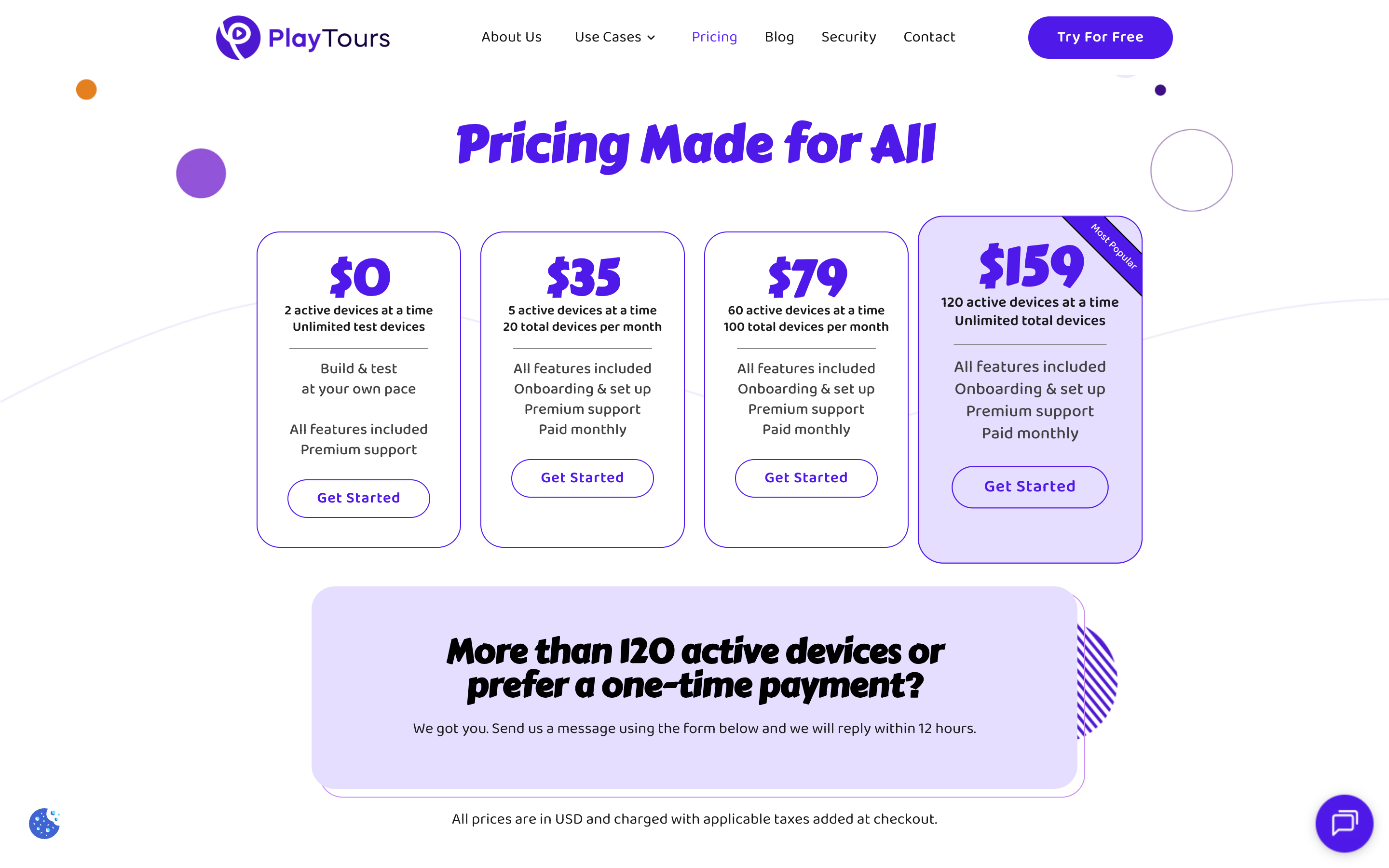
This is the single most important decision you will make for your small business team building scavenger hunt. Every participant needs to access the game on their phone, and the easiest way to guarantee 100% participation is to choose a browser-based platform that works with a simple link — no app store visits, no installation prompts, no "I don't have space on my phone" excuses. Browser-based tools like PlayTours let players click a link and start playing immediately on any device with a modern browser, whether that is an iPhone, Android, laptop, or tablet.
Practical note: Before game day, test the game link on three different devices: a phone, a tablet, and a laptop. Make sure the interface is readable and responsive on all screen sizes. Send the link to one colleague ahead of time and ask them to click through the first few tasks so you catch any issues before the whole team is waiting.
Common mistake to avoid: Choosing a platform that requires every participant to install a native app. For small businesses, this creates immediate friction — IT policies may block app installs on company devices, some team members may be reluctant to grant permissions, and the 5-10 minutes spent troubleshooting installations eats into your event time. If you want to compare platform options in more detail, our guide on choosing the best scavenger hunt app for your small business breaks down the trade-offs between browser-based and app-based tools.
4. Set Up Your Game With Pre-Built Templates
Once you have chosen your platform, the fastest way to get started is to use a pre-built template rather than building from scratch. Templates give you a complete game structure — chapters, tasks, point values, and completion logic — that you can customise with your own content. Most platforms offer templates for common scenarios like office scavenger hunts, welcome week activities, team bonding sessions, and holiday parties. A good template saves you hours of setup time and ensures you don't forget essential elements like a welcome screen, a mix of task types, and a debrief page.
Practical note: After loading a template, customise it with your company name, inside jokes, team member photos, and any specific references that will make the game feel personal. A generic template that feels like a template defeats the purpose of team building. Small touches — like naming chapters after your office's meeting rooms or using your company's colour scheme — go a long way toward making the experience feel intentional.
Common mistake to avoid: Starting from scratch when a template would work perfectly. Many first-time organisers spend 2-3 hours building a game from zero because they think templates are too generic. In reality, a template gives you a proven structure that has been tested with real teams, and you can customise every single element. Start with a template, then make it yours.
5. Create Tasks That Fit Your Team and Space
A great scavenger hunt mixes different types of tasks to keep energy levels high and cater to different strengths within your team. Photo challenges (take a selfie with the office plant, capture your team doing a silly pose) work well for creative team members. Quiz questions about company history or industry trivia appeal to knowledge-oriented players. GPS check-ins and QR code scans get people moving around the physical space. Creative tasks like "write a haiku about your department" or "record a 10-second video explaining your role in the company" add variety and depth.
PlayTours supports over 30 task types including photo uploads, text answers, multiple-choice quizzes, QR code scanning, GPS location check-ins, video recordings, audio clips, and even AI-judged creative submissions. For a small office, you can place QR codes on desks, in the break room, and in common areas to create a physical hunt without needing a large venue. For outdoor hunts, use GPS check-ins at nearby landmarks or coffee shops.
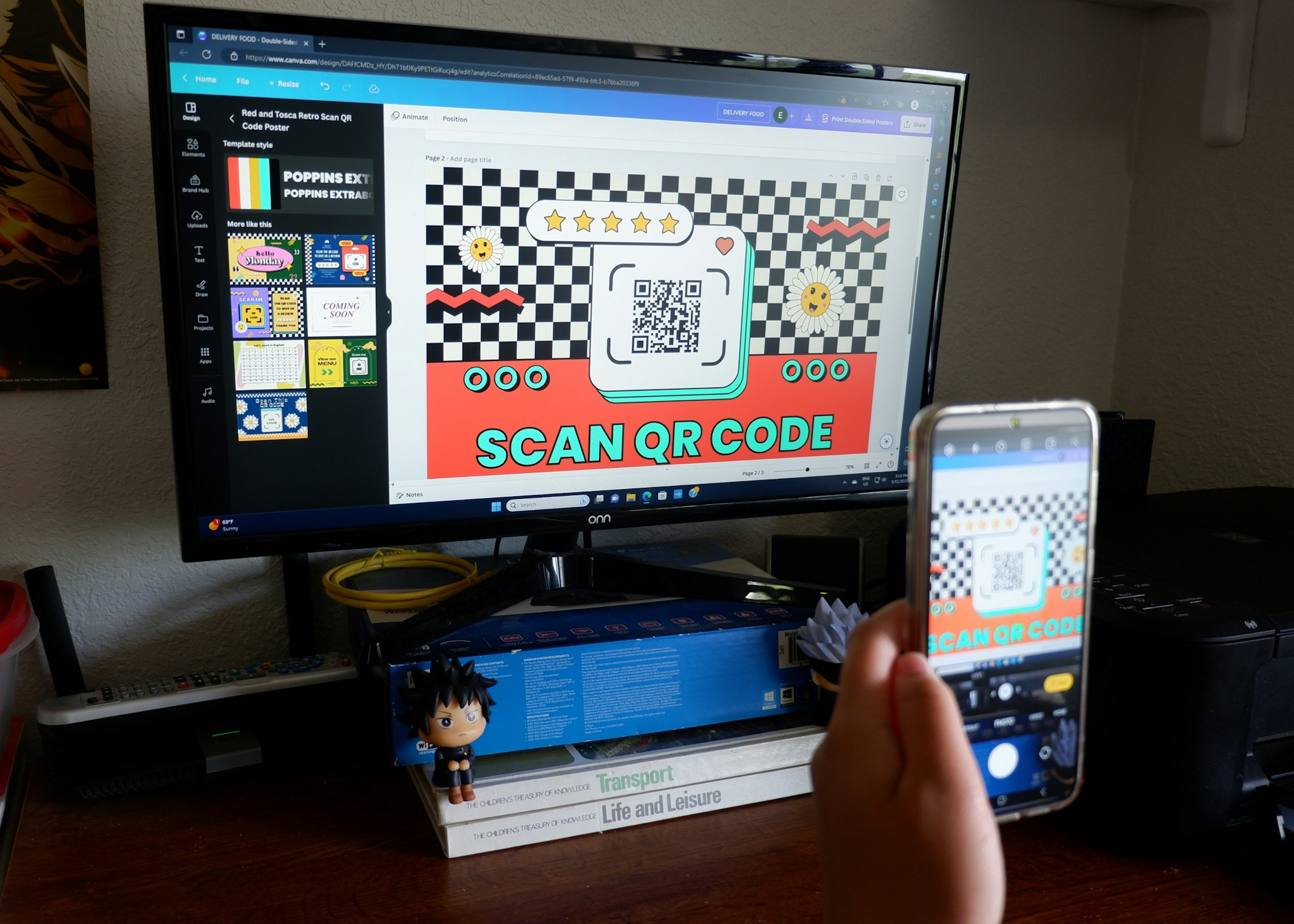
Practical note: For small offices with limited space, use QR codes on desks and common areas. Print QR codes for each task and tape them to different locations — the coffee machine, the reception desk, a colleague's monitor, the fire escape door. Players scan each QR to unlock and complete the task at that station. This turns a small office into a multi-station adventure without needing acres of space.
Common mistake to avoid: Making tasks too hard or too easy. Test every task with one person before game day. If they complete it in under 10 seconds, it is too easy. If they are stuck for more than 3 minutes, it is too hard. The sweet spot is a task that takes 30-90 seconds and requires some thought or collaboration but not expert knowledge.
6. Test the Game and Brief Your Team
Before you invite your team to play, run through the entire game yourself from start to finish. Join as a test team, complete every task, check that points are awarded correctly, verify that chapters advance as expected, and confirm that the leaderboard updates in real time. This dry run catches broken links, unclear instructions, and technical glitches while you still have time to fix them. If your platform supports it, create a second test account to simulate what a real team sees.
Practical note: Send a simple briefing email to your team 24 hours before the game. Include three things: the game link (or QR code), the start time and duration, and what to bring (charged phone, comfortable shoes, and optionally a team name idea). Keep the email short and friendly — this is a fun event, not a compliance training. A sample subject line: "Get ready for our team scavenger hunt tomorrow at 3pm!"
Common mistake to avoid: Assuming everyone knows how to use the platform without instructions. Even the most intuitive browser-based tool benefits from a 30-second explanation. Include a line in your briefing email that says: "Just click the link, enter your name and team name, and you are in. No app download needed." This removes any hesitation from less tech-comfortable team members.
7. Run the Game and Celebrate Together
On game day, start by gathering everyone (in person or on a video call) for a 2-minute kickoff. Explain the rules, share the game link, and set the tone — this is about having fun together, not winning at all costs. Once the game starts, monitor progress through the facilitator dashboard. Watch for teams that are stuck on a task and send them a hint through the platform's chat or clue system. Keep an eye on the leaderboard to see which teams are pulling ahead and which might need encouragement.
Practical note: Use the live leaderboard to create friendly competition. Announce milestone updates at the halfway point ("Team Alpha just took the lead with 450 points!"). When the game ends, gather everyone again for a 10-minute debrief. Share the funniest photo submissions on a shared screen, ask each team to share one thing they learned about a colleague, and take a group photo (or screenshot for remote teams) to commemorate the event.

Common mistake to avoid: Ending without a group photo or celebration moment. The scavenger hunt is the activity, but the debrief and celebration are where the actual team bonding happens. Skipping this step turns a memorable experience into just another meeting. Even 5 minutes of shared laughter over the silliest photo submission creates the social glue that makes team building worthwhile.
You're Ready to Run Your First Small Business Scavenger Hunt
You now have a complete, step-by-step plan to run a small business team building scavenger hunt that your team will actually enjoy. Start with a free PlayTours template and customise it in under 30 minutes — no budget, no app downloads, no stress.