
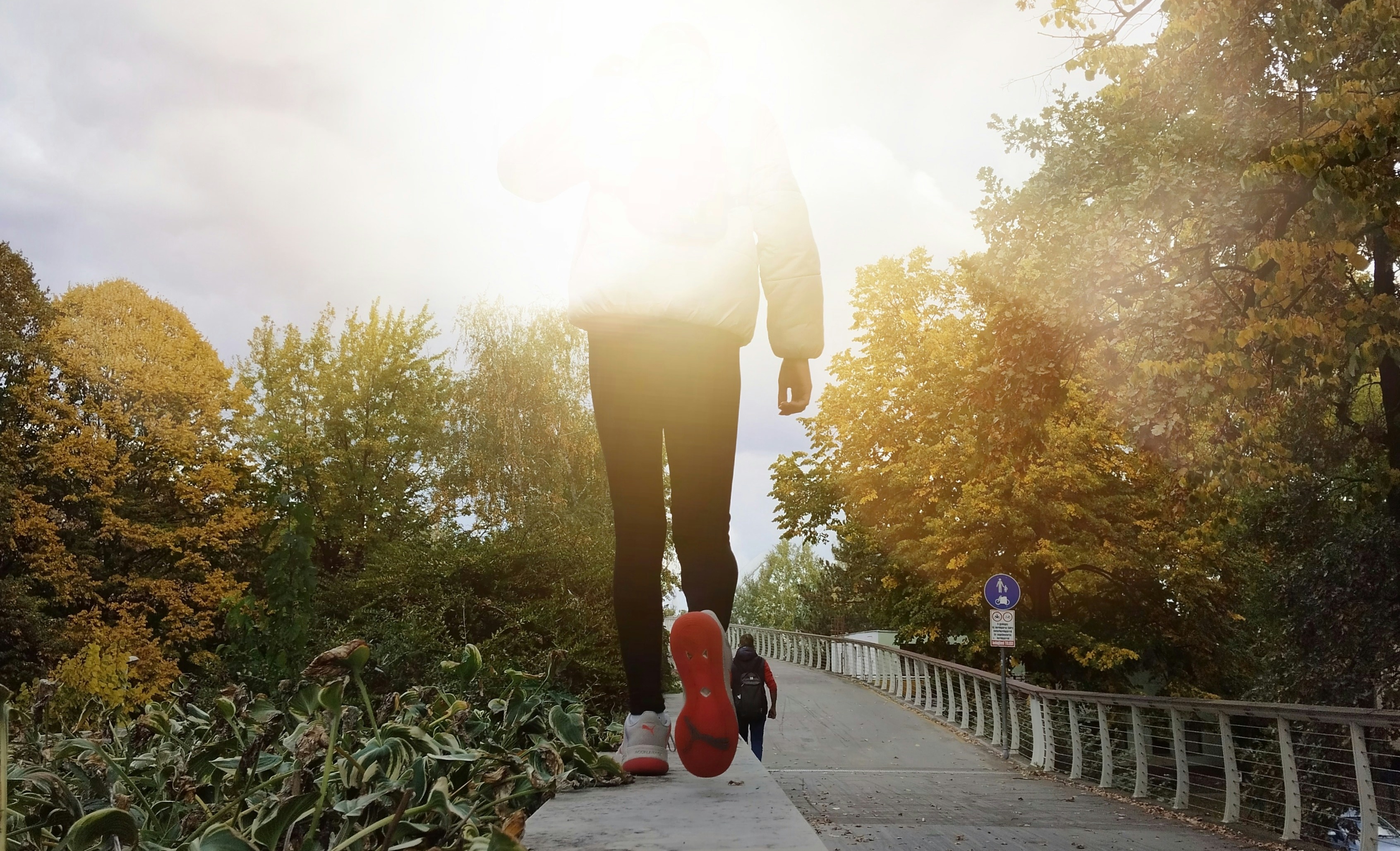
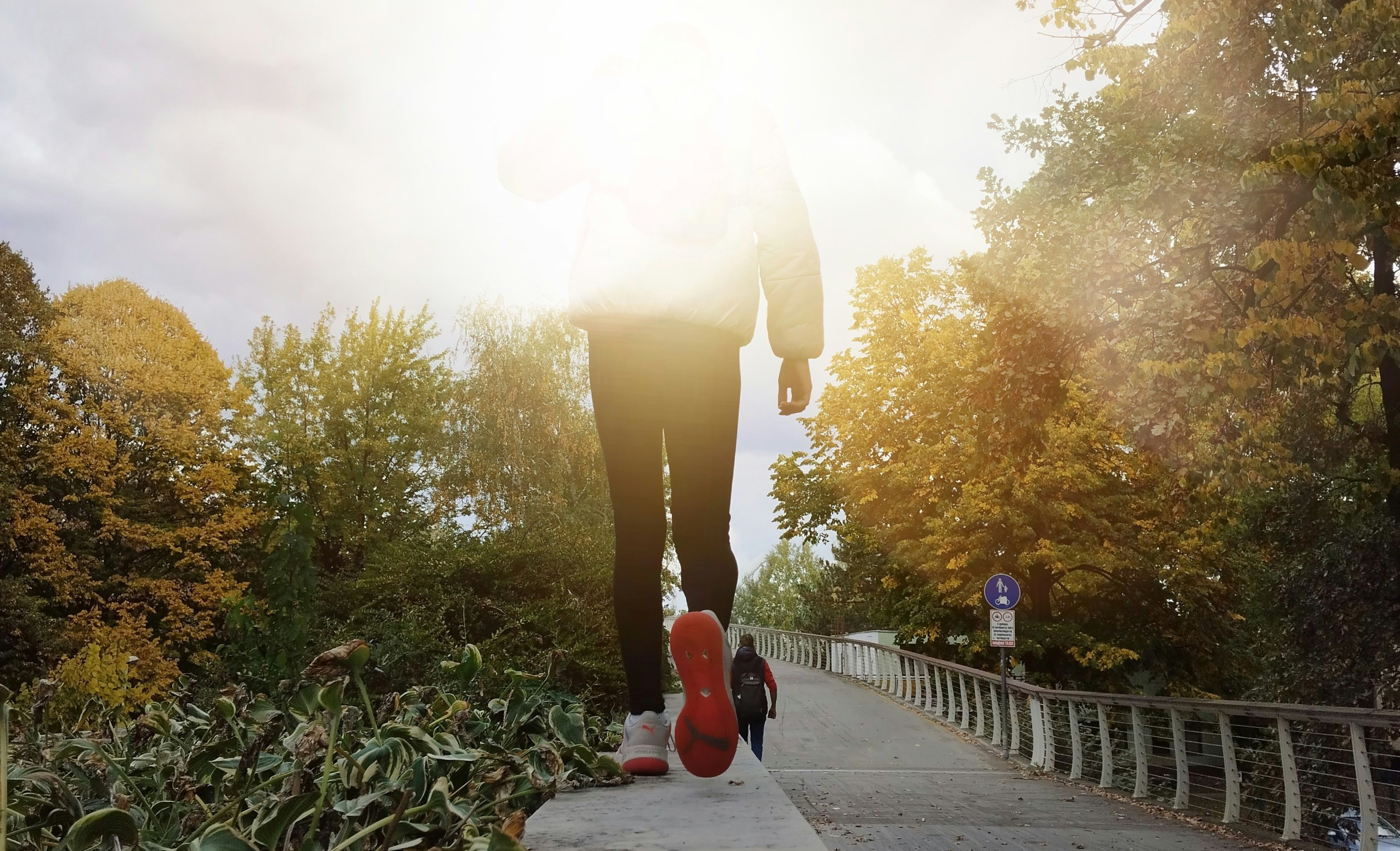
Spring is when HR teams and office managers start planning wellness weeks, step challenges, and "get outside" initiatives. The problem is that most wellness apps are heavy, require logins, and create IT friction.
A browser-based wellness walk solves this. Participants scan a QR code, join a team in their mobile browser, and follow a route of short, engaging challenges. No app store, no installs.
This guide walks through how to design and run a wellness walk using PlayTours, from route planning to specific task types and scoring.
1. Why a wellness walk works better as a game
A simple "go for a walk" email rarely changes behaviour. Turning the walk into a light game does three things:
First, it adds structure: clear start and end points, checkpoints, and a timebox. Second, it builds social accountability, as teams move together and see each other's progress. Third, it captures data so you can see participation, completion rates, and qualitative feedback.
With PlayTours, you can do this in a browser, which matters if your company has strict device policies, you are running a one-off event and do not want to force an app download, or you have a mix of employees, contractors, and guests.
2. Designing your wellness walk route
Start with the physical experience, then layer the game on top.
2.1 Choose a realistic duration
For most offices, a 30 to 60 minute walk is ideal. It fits into a lunch break or an afternoon wellness slot. A 30-minute walk suits 4 to 6 checkpoints; a 60-minute walk suits 6 to 10 checkpoints. Each checkpoint will become a chapter or a task in your PlayTours game.
2.2 Map safe, accessible checkpoints
Pick locations that are within easy walking distance of the office, safe to stop and look at a phone, and accessible for people with mobility needs. Examples include a nearby park entrance, a quiet plaza or courtyard, a lobby with seating, or a rooftop garden or terrace.
If your office is fully remote, you can still run a "distributed" wellness walk by using free-location tasks and asking people to walk in their own neighbourhoods.
3. Structuring the game in PlayTours
3.1 Chapters as segments of the walk
Create one chapter per segment of the route — for example: Welcome and warm-up, Park loop, Reflection stop, and Return to office and debrief.
Set each chapter's Points to complete so that teams do not need to finish every single task. This lets people skip a task if a location is busy. For example: 5 tasks worth 10 points each in a chapter, but "Points to complete" set to 30.
3.2 Use shuffle to avoid crowding
If you expect many teams, enable Shuffle tasks in chapters that happen in open areas. This spreads teams across different checkpoints. For any task that must be limited, use Limit teams in shuffle on that task so only a few teams are routed there at once.
3.3 Keep the game non-intimidating
For wellness events, competition should be light. Use a leaderboard, but avoid harsh penalties. Consider hiding exact point totals and focusing on completion. Use Skippable tasks with low or no skip penalties.
4. Task types that work well for wellness walks
4.1 QR check-ins at key locations
Use qrbarcode tasks to confirm that teams reached a checkpoint. Print a QR code and place it at the park entrance, lobby, or terrace. In the task text, add a short prompt — for example: "Scan this when you arrive at the park gate. Take a deep breath before you continue." You can combine QR tasks with location-based settings if you want GPS verification as well.
4.2 Reflection prompts
Use free-text or text-share tasks to capture short reflections. Examples: "In one sentence, describe something you noticed on this walk that you usually miss." or "Share one small habit you could add to your week to move more." Avoid grading these. Mark all answers as correct so the focus stays on participation.
4.3 Light movement challenges
Use no-answer tasks for simple, optional movement prompts. Examples: "At this bench, do 10 gentle calf raises or stretches. Tap Done when you are finished." or "Walk one extra loop around the fountain if you feel up to it." Because these are self-reported, keep the tone trusting and encouraging.
4.4 Photo moments
Use image or image-share tasks to create fun, social moments. Examples: "Take a photo of something green that is not a plant." or "Take a team selfie with everyone doing a silly pose." If you want to review photos later, use judged-image for a few highlight tasks and approve them from the facilitator dashboard.
4.5 Mindfulness and sensory tasks
Use audio or free-text tasks for mindfulness. Examples: "Record 10 seconds of ambient sound from this spot. Listen back before you submit." or "List three things you can see, three you can hear, and three you can feel right now." These tasks help participants slow down and pay attention to their surroundings.
5. Scoring and incentives
5.1 Simple scoring model
A balanced model uses 5 to 10 points per completed task, no or very small penalties for wrong answers, and bonus points for creative photo or reflection tasks. You can use judged-image or judged-text tasks with extra points for especially thoughtful submissions.
5.2 Coins and clues (optional)
If you want a light strategy layer, use the coin system. Give each team a small number of starting coins, add optional clues to a few tasks, and charge 1 coin to reveal a clue with a small point penalty. This is optional for wellness walks but can make the game feel more like an adventure.
5.3 Rewards that fit the theme
Align rewards with wellness: extra break time for the winning team, a healthy snack box, or a donation to a health-related charity chosen by participants. Avoid rewards that contradict the wellness message.
6. Running the event on the day
6.1 Joining is as simple as scanning a QR
With PlayTours, participants do not need to download an app. You generate a game join QR code from the dashboard, print it on posters or show it on a slide, and participants scan it with their phone camera. They join a team and land directly in the browser-based game. This works well for mixed groups, including visitors and contractors.
6.2 Briefing participants
Keep the briefing short. Explain the purpose, show how to join via QR, clarify safety rules (stay on sidewalks, respect traffic lights, opt out of any movement that does not feel right), and emphasise that participation and enjoyment matter more than winning.
6.3 Facilitator view
From the PlayTours facilitator dashboard you can watch teams join and start, see live progress and photos, judge any judged-image or judged-text tasks, and send broadcast messages via the in-game chat if needed. This lets one or two organisers manage a large group without being physically present at every checkpoint.
7. Adapting the wellness walk for remote and hybrid teams
7.1 Neighbourhood-based walk
Use free-location tasks and generic prompts. For example: "Walk for at least 10 minutes from your home or workspace. When you reach a spot you like, open this task and submit your location." or "Take a photo of a local landmark that makes you smile." You do not need GPS validation for every task, but you can enable location-based settings on one or two tasks if you want to encourage real movement.
7.2 Time windows instead of a single slot
Instead of a single 60-minute event, give people a 24-hour window to complete the walk. Use time-restricted tasks if you want some prompts to be available only during daylight hours.
7.3 Asynchronous social connection
Use image-share and text-share tasks so that remote participants can see each other's photos and reflections. Examples: "Share a photo of your walking route." or "Post one sentence about how you feel after the walk." This creates a shared experience even across time zones.
8. Measuring impact without making it a surveillance tool
8.1 Participation metrics
From PlayTours exports you can see how many teams joined, how many tasks each team completed, and which checkpoints were most popular. This helps you refine future wellness events.
8.2 Qualitative feedback
Use a final free-text task in the last chapter asking: "What did you enjoy about this wellness walk? Anything we should change next time?" You can export these responses and share anonymised highlights with leadership.
8.3 Respecting privacy
Avoid tasks that ask for sensitive health information. Focus on experiences, not metrics. If you use photos, enable face blurring on image tasks when appropriate, especially for public spaces.
9. Common pitfalls and how to avoid them
9.1 Route is too long or complex — Keep the route simple and test it yourself. If you are unsure, err on the side of fewer checkpoints.
9.2 Overly competitive scoring — If people feel they must rush to win, the wellness message is lost. Use gentle scoring and avoid heavy penalties.
9.3 Too much phone time — Design tasks that can be read quickly and then done with the phone away. Use no-answer tasks for movement and mindfulness so people are not typing while walking.
9.4 Accessibility gaps — Check that your route and tasks work for people with different mobility levels. Offer alternative tasks that can be done indoors or seated.
10. Next steps
To run your first browser-based wellness walk: sketch a 30 to 60 minute route with 4 to 8 checkpoints, create a PlayTours game with one chapter per segment, add a mix of QR check-ins, reflection prompts, and photo or audio tasks, set gentle scoring and make most tasks skippable, then print your join QR code and schedule a 45 to 60 minute slot.
With a light structure and the right task mix, a wellness walk becomes more than a stroll. It turns into a shared experience that supports physical movement, mental reset, and team connection, all without asking anyone to download an app.
Cover photo by Dia Diamond on Unsplash