
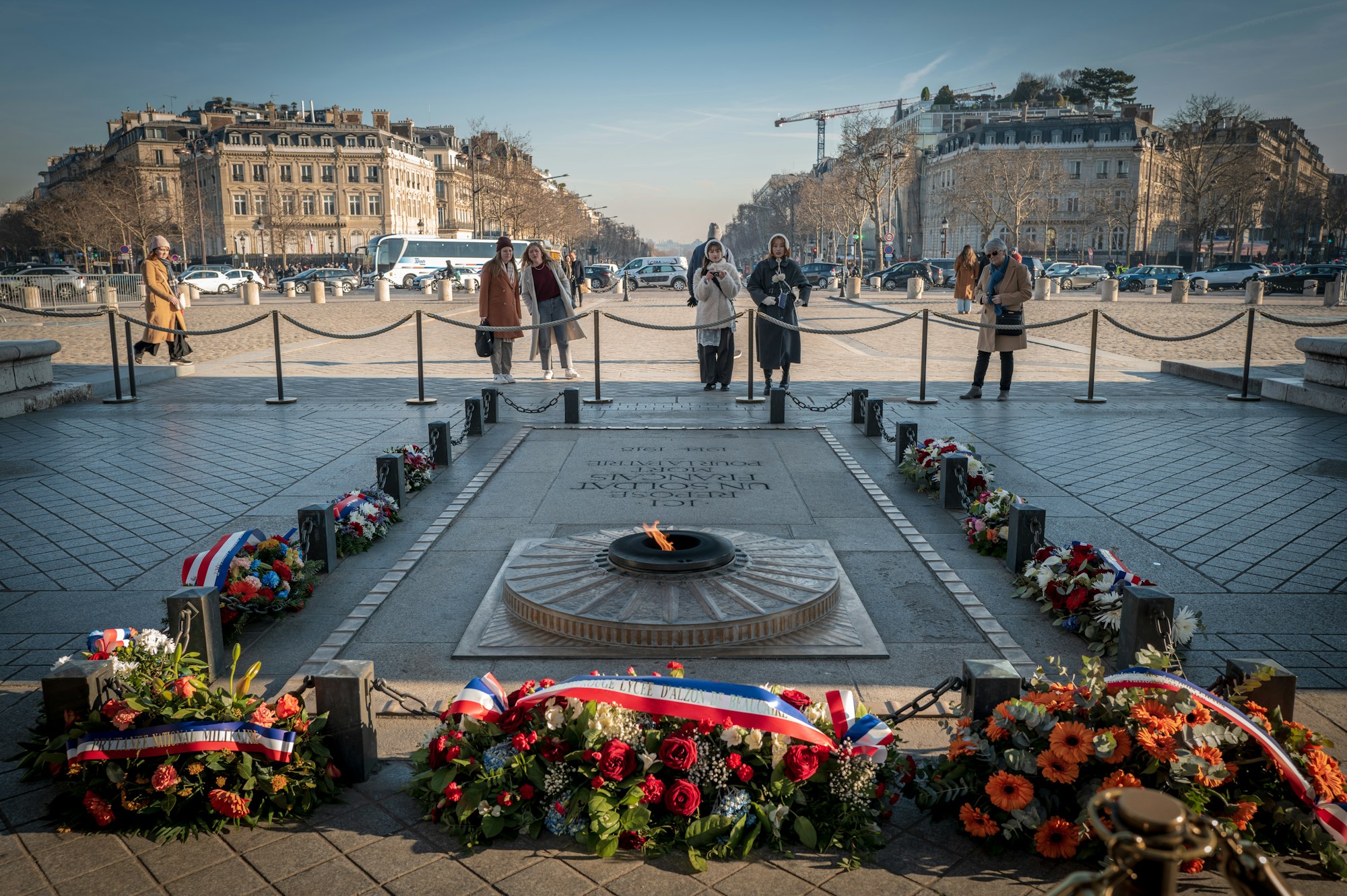
How to Design an Educational Scavenger Hunt for Victory Day (8 Mai) in France
Victory Day (8 Mai) commemorates the end of World War II in Europe in 1945, and designing a Victory Day scavenger hunt offers educators and heritage professionals a respectful, engaging way to bring this history to life for students and families. This guide walks you through a complete 90-minute game structure built on three core principles - focus on stories not statistics, include moments of quiet, and end with hope - with practical setup instructions for first-time organisers using the PlayTours platform.
Table of Contents
- The Three Principles of Commemorative Game Design
- Chapter 1: The Memorial (25 minutes)
- Chapter 2: The Town Trail (35 minutes)
- Chapter 3: Reflection and Connection (20 minutes)
- Adapting for Primary School (Ages 8-11)
- Adapting for Secondary School (Ages 12-18)
- Adapting for Adult and Family Groups
- Working with Schools and the National Curriculum
- Practical Tips for Game Day
- Setting Up Your Game in PlayTours
The Three Principles of Commemorative Game Design
Before you write a single task, establish the three principles that will guide every decision. First, focus on stories not statistics. A single name on a war memorial - who was this person, what did they do before the war, how old were they - carries more emotional weight than a list of casualty figures. Second, include moments of quiet. Not every task needs a score or a timer. Build in pauses where participants simply observe, read, or reflect without the pressure of answering. Third, end with hope. The final chapter should connect the past to the present - the peace and freedom Europe has enjoyed since 1945 - so participants leave with a sense of gratitude and responsibility, not despair.
These principles align with best practices in heritage education. Research on memorial pedagogy consistently shows that students retain more from emotionally grounded, narrative-driven activities than from fact-heavy lectures [1]. A commemorative scavenger hunt that follows these three rules transforms a passive ceremony into an active learning experience.
Chapter 1: The Memorial (25 minutes)
Duration: 25 minutes | Purpose: Establish context and introduce the human scale of the war
Begin at the local war memorial (monument aux morts). This chapter uses a "Must Complete in Order" structure so participants move through tasks sequentially, building understanding step by step.
Task 1: No-Answer Briefing (2 minutes)
A no-answer task that displays a short briefing text. Welcome participants, explain that this hunt is about remembering real people, and ask them to observe a moment of silence before starting. The button simply reads "I understand" - no points, no timer, just a quiet start.
Task 2: Text Task - Find the Earliest Year of Death (5 minutes)
Ask participants to scan the memorial and find the earliest year of death listed. This is a text task with a numeric answer (e.g., "1914" for a World War I section, or "1939" for the WWII panel). The accepted answer should include lenience for formatting (e.g., "1914" or "1,914").
Task 3: Multiple-Choice - Who Were They? (8 minutes)
A multiple-choice task with questions about the occupations, ages, and regiments listed on the memorial. Example: "The youngest person named on this memorial was how old?" with options like "17", "19", "22", "25". Use the memorial's actual inscriptions to write the questions.
Task 4: Photo Task - Photograph a Detail (10 minutes)
Ask participants to photograph one specific detail from the memorial - a particular name, a carved symbol, a date, or the surrounding landscape. This is an image task (all submissions accepted). The act of choosing what to photograph encourages careful observation.
Chapter 2: The Town Trail (35 minutes)
Duration: 35 minutes | Purpose: Connect the memorial to the town's wartime history
This chapter uses 5-7 GPS-based locations around the town centre. Enable Shuffle Tasks so different teams start at different locations, preventing crowding. Each location uses a direction (GPS check-in with visible map) or location (GPS check-in without visible map) task type.
Location 1: The Town Hall (5 minutes)
Use a direction task to guide participants to the town hall. Task text: "During the war, the town hall served as the headquarters of the local resistance network. Find the plaque on the wall and note the date it was dedicated." Follow with a text task asking for the date.
Location 2: The Liberation Route Marker (5 minutes)
Many French towns have a plaque or marker indicating the route Allied forces took when liberating the town. Use a location task (map hidden) with a clue in the task text: "Find the stone marker on the road that leads east out of town. What unit name is carved into it?"
Location 3: The Resistance Memorial (5 minutes)
A secondary plaque or monument dedicated to the French Resistance. Use an object-recognition task: ask participants to photograph the memorial and the AI checks that the photo contains a war memorial or plaque. Alternatively, use a standard image task.
Location 4: The Church or Cemetery (5 minutes)
Many churches have a separate plaque listing parishioners who died. Use a number task: "Count the names on the church plaque. How many are there?" Include lenience of +/- 2 to account for counting errors.
Location 5: The Square or Street Named After a Local Hero (5 minutes)
Use a text task: "Find the street or square named after a person who died in the war. What is their full name?" This task works well with multiple accepted answers (different spellings, with or without middle names).
Location 6: The School or Community Centre (5 minutes)
Many schools have a memorial board inside or outside. Use a free-text task: "Write down one thing you noticed about this place that connects it to the war years." All answers are accepted - the goal is reflection, not correctness.
Location 7: Return to the Memorial (5 minutes)
End the trail back at the memorial. Use a no-answer task with a completion message: "You have walked the same streets that people walked during the war. Take a moment to look at the memorial one more time before we move to the final chapter."
Chapter 3: Reflection and Connection (20 minutes)
Duration: 20 minutes | Purpose: Process what participants have learned and connect it to the present
This chapter takes place in a quiet indoor space - a classroom, community hall, or museum room. Tasks are designed to be completed individually or in small groups.
Task 1: No-Answer - Read a Short Biography (5 minutes)
Display a short biography of one person named on the memorial. Use a no-answer task with the biography in the task text. The completion button reads "I have read this." Choose someone whose age or background might resonate with your participants - a young soldier, a resistance fighter, a mother who lost children.
Task 2: Free-Text - Write a Reflection (7 minutes)
A free-text task: "Write one sentence about what you will remember from today. It can be a name, a story, a feeling, or a question." All answers are accepted. These reflections can be collected and shared in a follow-up classroom discussion.
Task 3: Audio Task - Record a Reading (5 minutes)
Provide a short poem or passage related to remembrance (e.g., lines from "In Flanders Fields" or a French resistance poem). Ask participants to record an audio reading of it. This is an audio task - all recordings are accepted. Hearing their own voice reading the words creates a personal connection that reading silently cannot achieve.
Task 4: Debrief and Ending Message (3 minutes)
The game debrief screen displays the ending message: "The end of the war in Europe on May 8, 1945, made possible the peace and freedom we enjoy today. The people whose names you saw on the memorial - they were someone's parent, child, neighbour, friend. By taking part in this hunt, you have honoured their memory. Thank you."
Adapting for Primary School (Ages 8-11)
Younger participants need concrete, visual tasks with minimal reading. Replace text-heavy questions with photo and object-recognition tasks. For the memorial chapter, ask them to photograph three different shapes they can see on the monument (a cross, a leaf, a sword). For the town trail, use object-recognition tasks: "Find a red post box that was here during the war" or "Photograph a building that has a date on it from before 1945." Keep the reflection chapter short - a single free-text task asking "Draw or write one thing you learned today" works better than multiple tasks. The audio recording task can be replaced with a group photo in front of the memorial.
Adapting for Secondary School (Ages 12-18)
Older students can handle deeper historical context and critical thinking. Add a text task at the memorial: "Research one name from the memorial using your phone. Find their age, occupation, and family. Write their story in three sentences." This works as a text-ai task where the AI validates that the answer contains a name, age, and occupation. For the town trail, add a multiple-choice task at each location with a historical context question: "Why was this building chosen as a resistance meeting point?" with options that require reasoning. The reflection chapter can include a sort-texts task where students arrange key events of the liberation of their town in chronological order.
Adapting for Adult and Family Groups
Adult and family groups benefit from depth and personal connection. Add a text-share task: "Share a story from your own family history connected to World War II - something a grandparent or relative experienced." Answers are shared in the session chat, creating a collaborative storytelling experience. For the town trail, include a judged-image task where a facilitator reviews photos of specific architectural details that survived the war. The reflection chapter can include a free-multiple-choice survey asking participants which aspect of the experience they found most meaningful - the memorial, the trail, the stories, or the quiet moments - providing useful feedback for future events.
Working with Schools and the National Curriculum
This scavenger hunt aligns with the French national curriculum for history and civic education (enseignement moral et civique). The 90-minute format fits within a standard morning or afternoon session. Because the game runs on participants' own phones through a browser (no app download required), schools do not need to provide devices. The data collected - photos, reflections, audio recordings - can be exported and used for classroom discussion, project work, or display boards. Teachers can assign follow-up tasks such as writing a newspaper article from May 9, 1945, or creating a map of the town's wartime locations based on the GPS data from the hunt.
Practical Tips for Game Day
- Test the route at least one week before. Walk every location with the game running on a phone to confirm GPS coordinates are accurate and task instructions are clear.
- Prepare backup materials. Print a paper map of the route with task locations marked, in case a participant's phone battery dies or mobile reception is poor in certain areas.
- Brief volunteers stationed at key locations (especially the memorial and the reflection space) so they can answer questions and ensure respectful behaviour.
- Plan for weather. Have an indoor alternative for the town trail chapter if rain is forecast. Many town halls and museums have indoor exhibits that can substitute for outdoor locations.
- Check accessibility. Ensure all GPS locations are reachable by participants with mobility needs. Avoid stairs, uneven paths, or locations that require crossing busy roads without pedestrian crossings.
- Set expectations. Explain the three principles to participants before they start. Let them know this is not a race - the goal is understanding, not speed. Hide the leaderboard in the PlayTours settings to remove competitive pressure.
Setting Up Your Game in PlayTours
PlayTours makes it straightforward to build this commemorative scavenger hunt. Here is how the three chapters map to the platform's features:
Chapter 1 (The Memorial): Enable "Must Complete in Order" so participants move through the briefing, text task, multiple-choice, and photo task sequentially. Set the chapter briefing text to welcome participants and explain the three principles. Use a no-answer task for the briefing, a text task for the earliest year of death, a multiple-choice task for the memorial questions, and an image task for the photo detail.
Chapter 2 (The Town Trail): Enable "Shuffle Tasks" so different teams start at different locations. Use direction tasks (GPS with visible map) for each location so participants can navigate easily. Set a radius of 30-50 metres for each GPS check-in. Use a mix of text, number, image, and free-text task types to keep the experience varied.
Chapter 3 (Reflection and Connection): Use no-answer for the biography reading, free-text for the reflection, and audio for the recording task. Set the game's Debrief (Ending Text) to the ending message about peace and freedom. In the UI Modifications settings, hide the leaderboard and timer to keep the focus on reflection rather than competition.
For a complete walkthrough of setting up educational games on the platform, see our guide on designing educational scavenger hunts.

You Are Ready to Run Your Victory Day Scavenger Hunt
By following this structure - memorial, town trail, reflection - and applying the three principles of commemorative design, you can create a Victory Day scavenger hunt that teaches history with the respect and depth it deserves. The 90-minute format fits a school morning, the phone-based platform removes technical barriers, and the adaptable task types work for any age group. Start building your game in PlayTours today, and give your participants a Victory Day they will remember.