

If you are an orientation coordinator, you already know the challenge: hundreds of new students arrive on campus with varying levels of tech comfort, limited patience for complicated instructions, and a once-a-year window to make a great first impression. Choosing the right university orientation scavenger hunt app can mean the difference between a smooth, memorable welcome week and a logistical headache that leaves students frustrated before classes even start. This guide is designed as a decision-making tool for university staff — not a product pitch — to help you evaluate what actually matters when selecting a platform for your specific campus.
Table of Contents
- Can hundreds of students join without downloading an app?
- Does it work for large groups across a campus?
- Can you create multiple teams and track them in real time?
- Is it easy to customise with your campus landmarks and traditions?
- Can you reuse it for future orientation events?
1. "Can hundreds of students join without downloading an app?"
This is the single most important question for any university orientation scavenger hunt app. Orientation week is chaotic enough without asking 500 freshmen to find an app store, download a native app, create an account, and troubleshoot login issues — all while standing in a crowded hall with patchy WiFi. International students may have app stores set to different regions, meaning they cannot find or download the app at all. Students with older or low-storage devices may not have room for another app on their phone. Every download barrier creates drop-off, and drop-off means students standing around confused instead of engaging with your carefully planned orientation activities.
The problem is compounded when you consider that orientation often involves parents and family members who are only on campus for a day. Asking them to download an app for a single afternoon activity creates friction for a group that is already juggling move-in logistics, paperwork, and emotional goodbyes. A browser-based approach removes this friction entirely.
What to look for: Browser-based platforms that work entirely through a mobile web link or QR code. Students should be able to join by tapping a link sent via text message or email, or by scanning a QR code printed on a sign at the check-in table. No app store visit, no download, no account creation required. The platform should work consistently across iOS Safari, Chrome on Android, and other common mobile browsers without any plugins or additional software.
Red flag: Any tool that requires students to download a native app from the App Store or Google Play before they can participate. If the first step of your orientation involves "please install this app," you have already introduced friction that will lose students before the game even begins. Also watch out for platforms that claim to be "browser-based" but still redirect to an app store for key features.
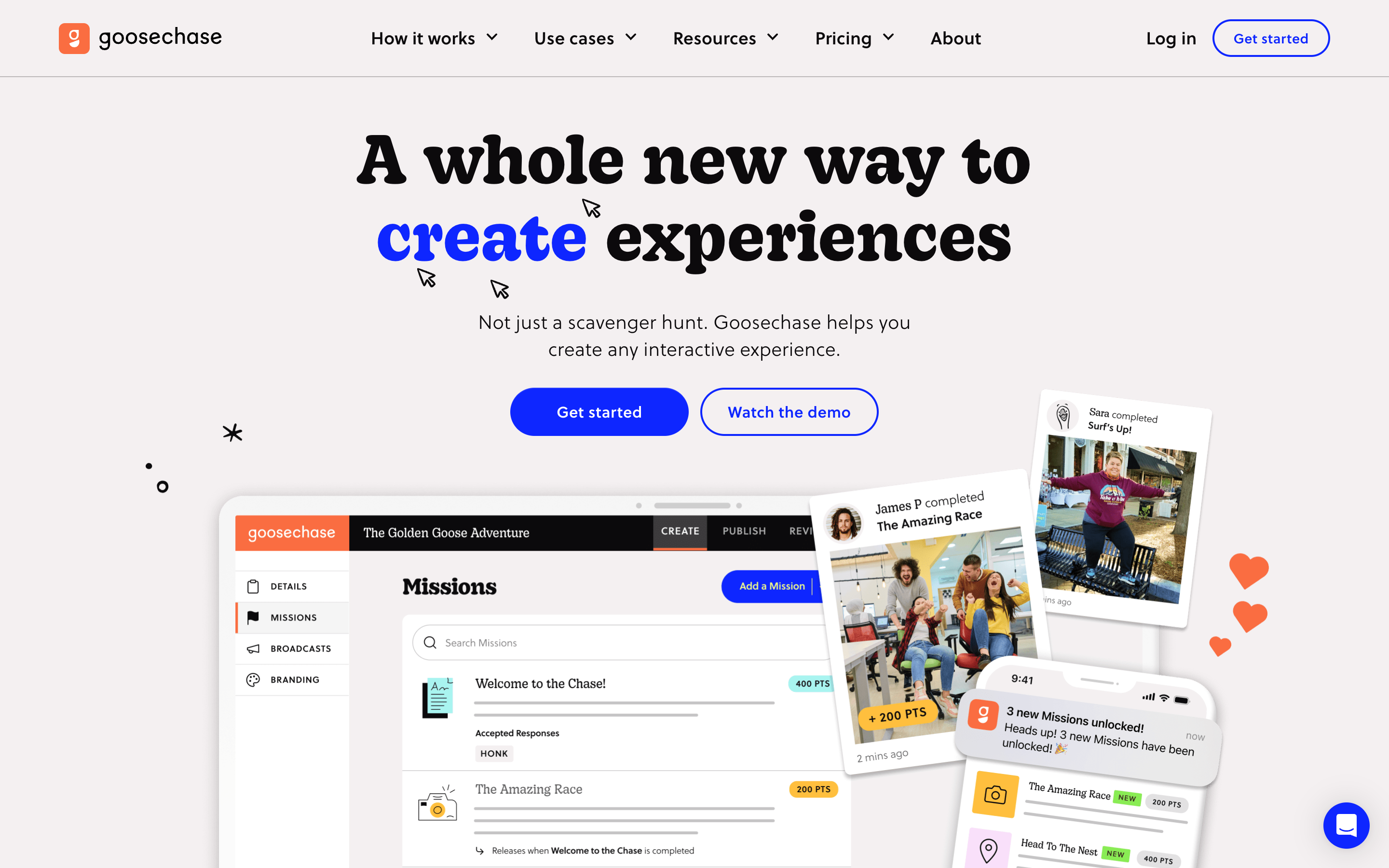
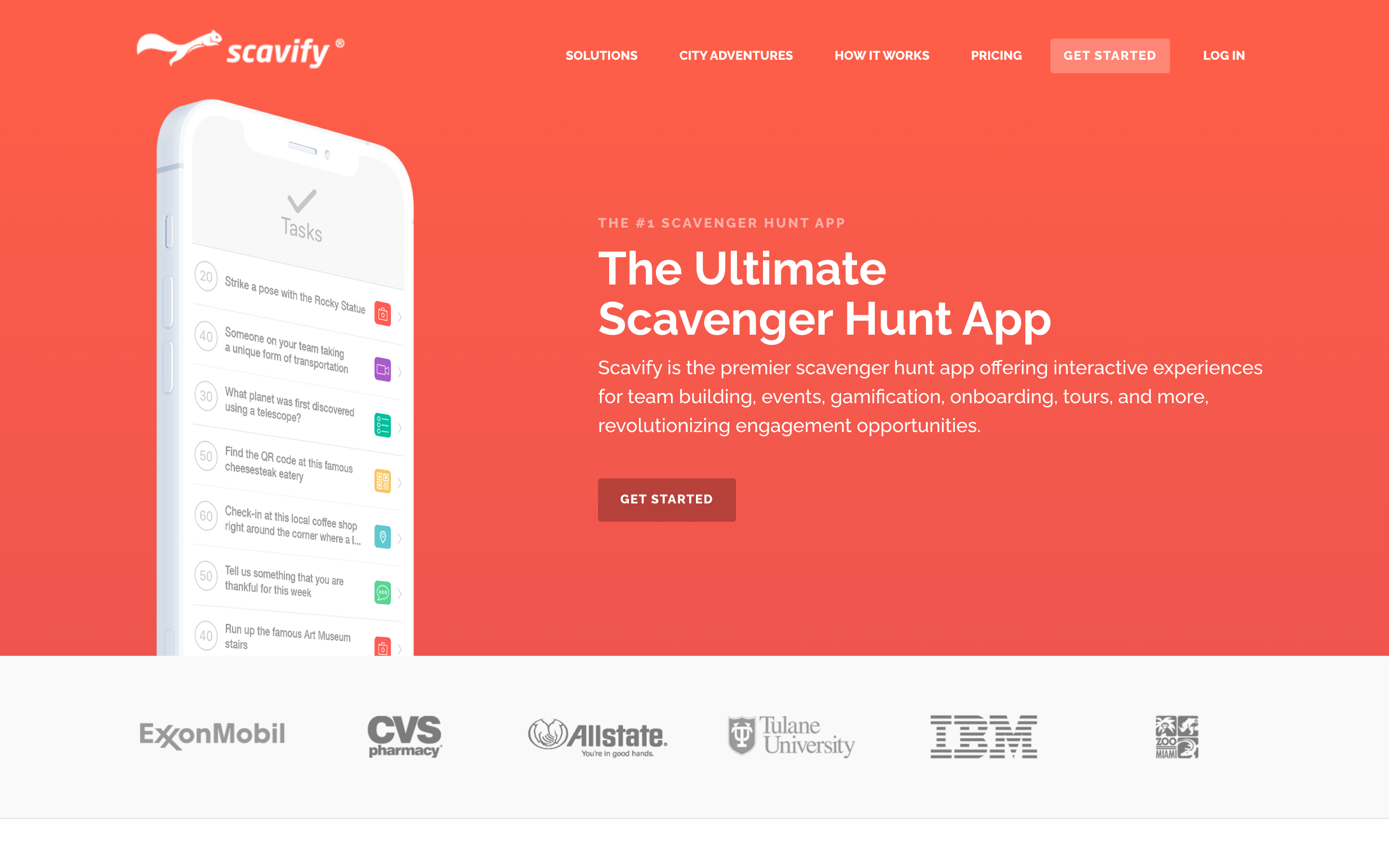
Goosechase, for example, is a well-known platform that offers a polished native app experience with strong photo and video challenge features. It is a solid choice for events where you are comfortable with an app download requirement and have the IT support to help students through the installation process. However, for large orientation cohorts with mixed tech backgrounds, the download requirement can be a significant barrier. Scavify offers a mobile browser option alongside its native app, which gives you more flexibility — students who prefer not to download can play in the browser. PlayTours is fully browser-based: students join by scanning a QR code or clicking a link, with no download required at all, making it the lowest-friction option for large, diverse orientation groups.
2. "Does it work for large groups across a campus?"
Orientation groups can range from 100 to well over 1,000 students spread across lecture halls, dormitories, dining halls, sports fields, and outdoor green spaces. A platform that works fine for a 20-person office team building event may buckle under the load of a full freshman cohort. You need a university orientation scavenger hunt app that is architected for scale — not just in terms of concurrent users, but in terms of physical footprint across a sprawling campus with multiple buildings, pathways, and landmarks.
Beyond raw capacity, you also need to think about how students move through the campus. If all 300 students are sent to the same location at the same time, you create bottlenecks, long queues, and frustrated participants. The best platforms include anti-crowding mechanisms that spread teams across different starting points and tasks, ensuring that foot traffic is distributed evenly throughout the event.
What to look for: GPS-based check-in tasks that let students verify they are at a specific location (the library, the student union, a specific dorm building). QR code stations that can be placed at key landmarks around campus for students to scan as they visit each location. Anti-crowding features that shuffle starting points and tasks so not all 200 students rush to the same spot at the same time. Scalable game architecture that handles hundreds of simultaneous players without lag, crashes, or slow load times. Look for platforms that have been tested at the scale you need — ask for case studies or references from universities with similar cohort sizes.
Red flag: Platforms that cap participants at small numbers (under 50), charge per-seat pricing that makes large cohorts prohibitively expensive, or lack any mechanism to spread teams across different locations. Also be wary of platforms that cannot provide evidence of handling 500+ concurrent users — if they have never been tested at your scale, you are taking a risk on orientation day.
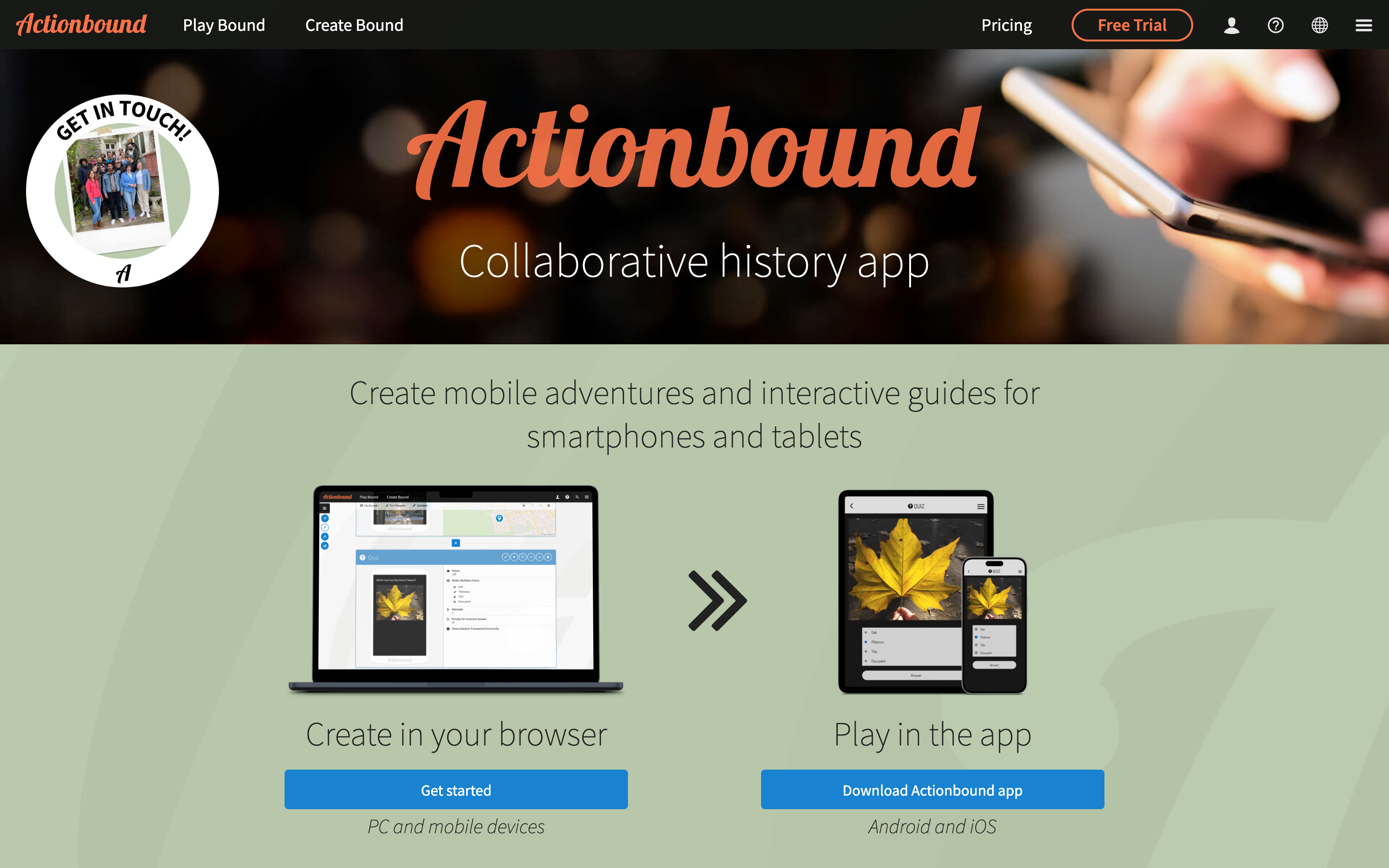
Actionbound, for instance, supports GPS-based trails and is used in educational settings across Europe, but its pricing model and participant limits can be restrictive for large US orientation cohorts; it is better suited to smaller, self-guided tours than to large-scale competitive orientation events. When evaluating other platforms at this scale, ask vendors to demonstrate (a) a documented concurrent-user benchmark at or above your cohort size, (b) shuffling or geofence-based anti-crowding so teams are not all sent to the same station, and (c) a per-task or per-team limit on a single location to prevent queue formation.
3. "Can you create multiple teams and track them in real time?"
Orientation is fundamentally about breaking large groups into smaller, manageable teams. Whether you are organising students by residence hall, faculty, random assignment, or interest-based groups, the app needs to support team-based play natively. You also need visibility into what each team is doing — not just for competition and engagement, but for safety and logistics. If a team has been stuck on one task for 45 minutes or has wandered off to an unintended part of campus, you want to know immediately so you can intervene.
Real-time tracking also serves an engagement purpose. When students see their team climbing the leaderboard or notice another team pulling ahead, it creates healthy competition and keeps energy levels high throughout the event. For less competitive orientations, you can hide the leaderboard and use progress tracking simply as a way to ensure every team is moving through the game at a reasonable pace.
What to look for: Easy team creation — either manual assignment by the facilitator or auto-generated groups based on registration data. A live leaderboard that shows team scores and progress in real time, with the option to hide scores if you prefer a non-competitive format. The ability to see which tasks each team has completed, which they are currently working on, and how long they have spent on each task. A facilitator dashboard that gives you a bird's-eye view of the entire event — all teams, all locations, all progress — from a single screen. Bonus points if the dashboard works on a tablet or phone so your facilitation team can move around campus while monitoring.
Red flag: Tools that only support individual play or lack team management features entirely. If you cannot create teams, assign members, and track their progress from a single dashboard, the tool was not designed for orientation-scale events. Also watch out for platforms where the facilitator view is limited or requires switching between multiple screens to see different teams.
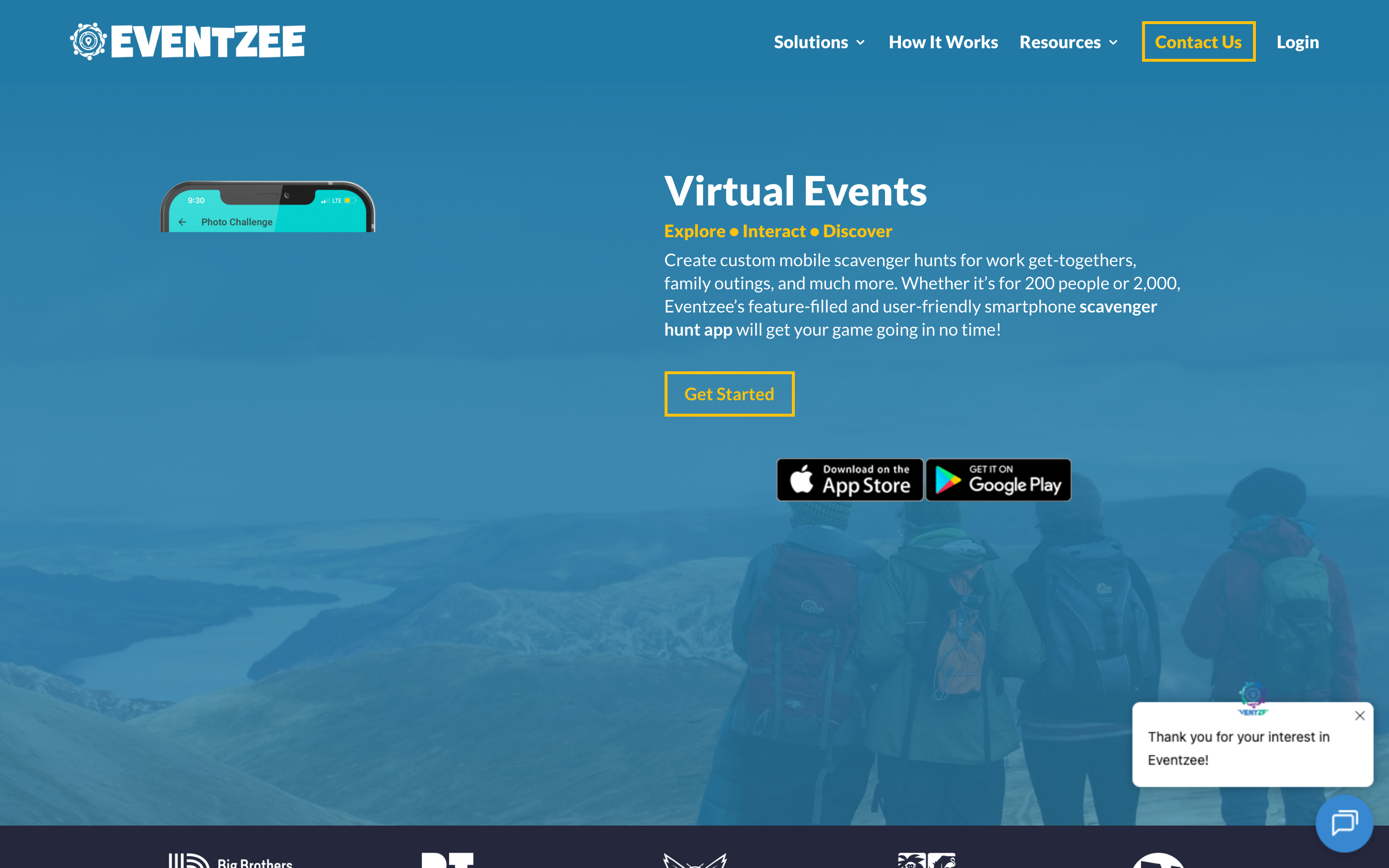
Eventzee offers strong branding and sponsor visibility features useful for campus events with external partners, but its focus is more on individual participation and one-off public events rather than structured team-based orientation. It also requires an app download and is oriented toward tourism and festival use cases. Whichever platform you shortlist, look for native team-creation flows (manual or auto-generated from registration data), a single facilitator dashboard that shows every team’s progress without screen-switching, and the ability to show or hide the leaderboard so you can run either a competitive or a collaborative format depending on the cohort.
4. "Is it easy to customise with your campus landmarks and traditions?"
Every campus is different. Your orientation scavenger hunt should reflect your specific locations, traditions, and culture — not a generic template that could be used at any university anywhere. The best university orientation scavenger hunt app lets you build a game that feels like it was made for your campus, with your landmarks, your history, and your inside jokes. This personalisation is what transforms a generic activity into a genuine campus bonding experience.
Think about the specific moments that define your orientation: the first photo at the campus sign, the tour of the library's hidden study nooks, the quiz about the university's founding story, the scavenger hunt item that requires finding the mascot statue. Each of these moments can be turned into a task in the game, but only if the platform gives you the flexibility to design them your way.
What to look for: Custom map pins that let you mark specific campus locations with your own labels and icons. Photo tasks that send students to photograph the bell tower, the mascot statue, the dean's office, or any other landmark. Quiz questions about university history, fight songs, traditions, or campus policies. The ability to write your own task text, upload your own images, and design the flow of the game from scratch — including the order of chapters, the point values for each task, and the completion messages that appear when students finish. Look for platforms that support at least 10-15 different task types so you can mix photo challenges, trivia questions, GPS check-ins, QR scans, and creative tasks within a single game.
Red flag: Pre-built games that cannot be edited or localised. If the platform only offers generic templates with no way to swap in your own locations, questions, or branding, it will feel impersonal and miss the opportunity to build campus spirit. Also watch out for platforms that limit the number of tasks you can create or charge extra for customisation features.
Goosechase ships with a long-standing template library and an AI mission generator that speeds up game design, which can be a good fit if you want to start from a proven structure and tweak. PlayTours leans the other way - a more open game builder with 30+ task types (GPS check-ins, QR scans, photo uploads, video, multiple-choice, text, matching pairs, word searches, jigsaws), custom map pins, multi-chapter flows with per-chapter briefing text and time limits, all designed to be customised from scratch. Either approach can work for orientation; the question is whether your team would rather adapt a template or build a campus-specific game from the ground up.
5. "Can you reuse it for future orientation events?"
Orientation happens every year. If you invest time building a great scavenger hunt for this year's freshmen — researching locations, writing quiz questions, setting up QR codes, testing the flow — you should not have to rebuild it from scratch next year. The ability to clone, update, and reuse games is one of the most underrated features when evaluating a university orientation scavenger hunt app, and it directly impacts the total cost of ownership over multiple years.
Consider the staff time involved: a well-designed orientation scavenger hunt might take 10-20 hours to build, test, and refine. If you can reuse 80% of that work year after year, you save 8-16 hours annually. Over a five-year period, that is 40-80 hours of staff time saved — time that can be spent on other aspects of orientation planning rather than rebuilding the same game from scratch.
What to look for: Game cloning or duplication features that let you copy an entire game with one click, including all tasks, chapters, settings, and configurations. Template saving so you can create a master orientation template and branch off versions for different cohorts, departments, or campuses. Version history so you can roll back changes if something goes wrong during editing or if you accidentally delete an important task. The ability to update specific elements (dates, locations, staff names) without affecting the rest of the game structure.
Red flag: One-time-use games that expire or cannot be duplicated. If the platform treats each game as a disposable event with no reuse capability, you will be rebuilding your orientation hunt from scratch every single year — wasting hours of staff time and losing the institutional knowledge embedded in your game design. Also watch out for platforms that charge full price for game duplication or limit how many games you can store in your account.
When evaluating reusability, look for one-click cloning, template saving, and a version history that lets you snapshot the working game before each year’s edits. The goal is to build your orientation game once, clone it for the next academic year, update dates and landmarks, and launch in minutes - not rebuild from scratch each fall. Ask vendors specifically how clones inherit (or do not inherit) media uploads and team configurations; some platforms duplicate the structure but require you to re-upload all assets.
Making your decision: 3 questions to answer before committing
Before you sign a contract or commit to any platform, ask yourself these three questions:
- What is the tech comfort level of your incoming class? If your students are likely to have older devices, limited data plans, or varying levels of digital literacy, a browser-based, no-download platform is non-negotiable. If your university issues devices to all students or your cohort is tech-savvy, you may have more flexibility.
- How large is your orientation cohort, and how spread out is your campus? If you are running games for 500+ students across a multi-building campus with outdoor spaces, you need GPS and QR capabilities plus anti-crowding features — not just a simple task list. If your orientation is smaller or confined to a single hall, your requirements may be simpler.
- Will this be a one-time event or an ongoing programme? If you plan to run orientation hunts year after year, or expand to residence life, library tours, and academic department games, prioritise platforms that let you clone and reuse games easily. The long-term time savings will far outweigh any initial setup investment.
Once you have narrowed down your options based on these five criteria, the next step is a deeper comparison of the leading platforms. Read our Best Scavenger Hunt Apps for Universities and College Events in 2026: Deep Comparison for a detailed feature-by-feature breakdown of PlayTours, Goosechase, Scavify, Actionbound, Eventzee, and other platforms — including pricing, scalability benchmarks, and real campus implementation patterns from universities that have used these tools for orientation, residence life, and academic programmes.